A change to familiar workflows · Gemini
Gems are becoming skills. What happens to your saved writing setup?
Google is bringing reusable instructions into ordinary chats. Existing Gems will migrate in stages; see what carries over and which tools still need a separate check.
Based on Google's September 30 announcements and help pages checked October 1. The migration is still ahead; the book-club notice below is our editorial example.
Keep the method and use it in the current chat
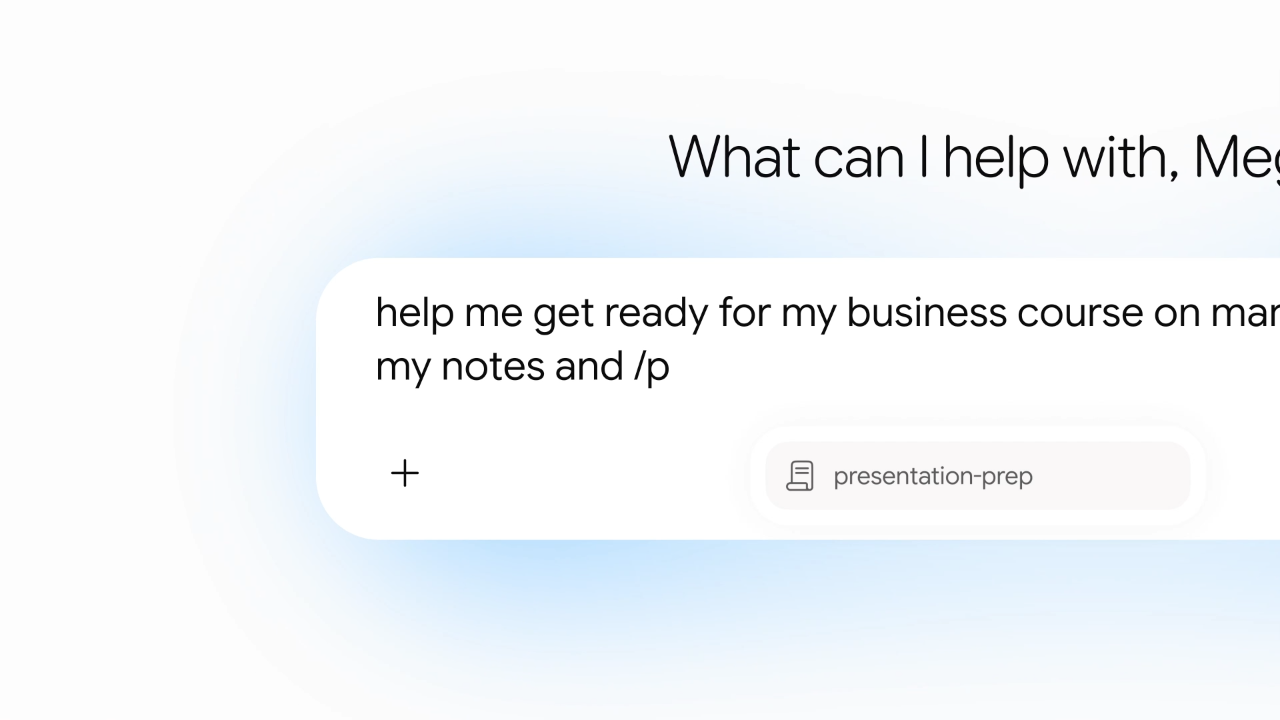
Instead of opening a writing Gem, you can bring saved instructions into the current conversation with / and combine skills. Rollout to adult personal accounts is gradual; current help requires Keep Activity, and the entry may not appear for everyone yet.
Imagine a book-club notice with your preferred order: this week's book, three discussion questions, and a request for the meeting time if missing. Your instructions and a past notice can become the skill's method and example; each week you supply new details. This preserves your editorial choices without inventing plans. It is an editorial example, not an account test.
Sources and further reading
- Google: skills in Gemini chatOfficial announcement · September 30Using and combining skills in chats, and planned additions.
- Google: creation, management and supported filesOfficial help · checked October 1Account requirements, uploads and current client limitations.
- Google: writing an effective skillOfficial guidanceDefining when to use a skill, expected output and missing information.
A Gem with reference files needs more than copied prompts
Google plans to migrate Gems and supported files automatically at retirement. To try earlier, manually create a skill under web Settings → Skills and copy the Gem's name, description and instructions. Download its knowledge files individually, place them with the new skill's downloaded SKILL.md in a matching folder, then upload that folder through Replace skill.
Text, PDFs and images are supported, with a 100 MB total upload limit; .docx, .doc and .xlsx are excluded, as are GitHub files. Exporting an old notice to PDF or plain text is one option—check the result. Current help flags mobile manual-creation saving issues and directs file-backed editing to the web.
Sources and further reading
- Google: Gems migration guideOfficial help · checked October 1Automatic and manual migration, knowledge files and tool limits.
- Google: creation, management and supported filesOfficial help · checked October 1Account requirements, uploads and current client limitations.
Personal, work and school accounts move on different schedules
These are announced dates, not completed migrations. For Workspace accounts, Gemini-app skills start rolling out October 13. Skills inside Workspace start October 5 or 19 depending on release track, with completion expected by mid-November. Existing Workspace Beta access is a separate earlier route.
| Account | What happens to Gems |
|---|---|
| Personal Google account | Retirement and automatic migration start in November 2026. |
| Workspace business and enterprise | Gems move to Settings on November 17 and remain usable/editable. Retirement is no earlier than March 1, 2027; remaining Gems become draft skills. |
| Workspace nonprofits | Migration help lists March 2027, not the personal-account November schedule. |
| Workspace education | Retirement is no earlier than June 1, 2027; remaining Gems become draft skills. |
Sources and further reading
- Google: Gems migration guideOfficial help · checked October 1Automatic and manual migration, knowledge files and tool limits.
- Workspace: rollout by account and productOfficial update · September 30Work and school rollout and retirement dates; skills do not sync between the two products.
- Workspace: earlier beta accessOfficial announcement · September 16Organizations with admin-enabled Gemini Beta are distinct from the later broad rollout.
Saved instructions do not restore every tool
At this check, skills do not work with Canvas, Deep Research, video or music creation, or Guided Learning. Direct Drive/Notebook attachments and sharing remain planned additions. Access through Connected Apps differs from attaching Drive files to a skill; Gemini-app and Workspace skills also do not yet sync.
Try a familiar past notice and check its structure, tone and treatment of missing information. If the old workflow also required research or slide generation, verify those steps separately. Our earlier article followed material into a result; this adds the choices and writing method you refined along the way.
Sources and further reading
- Google: Gems migration guideOfficial help · checked October 1Automatic and manual migration, knowledge files and tool limits.
- Workspace: rollout by account and productOfficial update · September 30Work and school rollout and retirement dates; skills do not sync between the two products.