
01 / ANALYSIS
Product analysis
- Maturity
- Pilot
- Confidence
- Partial
- Verified
- 2026-07-25
- Commercial relation
- Not sponsored
Problem solved
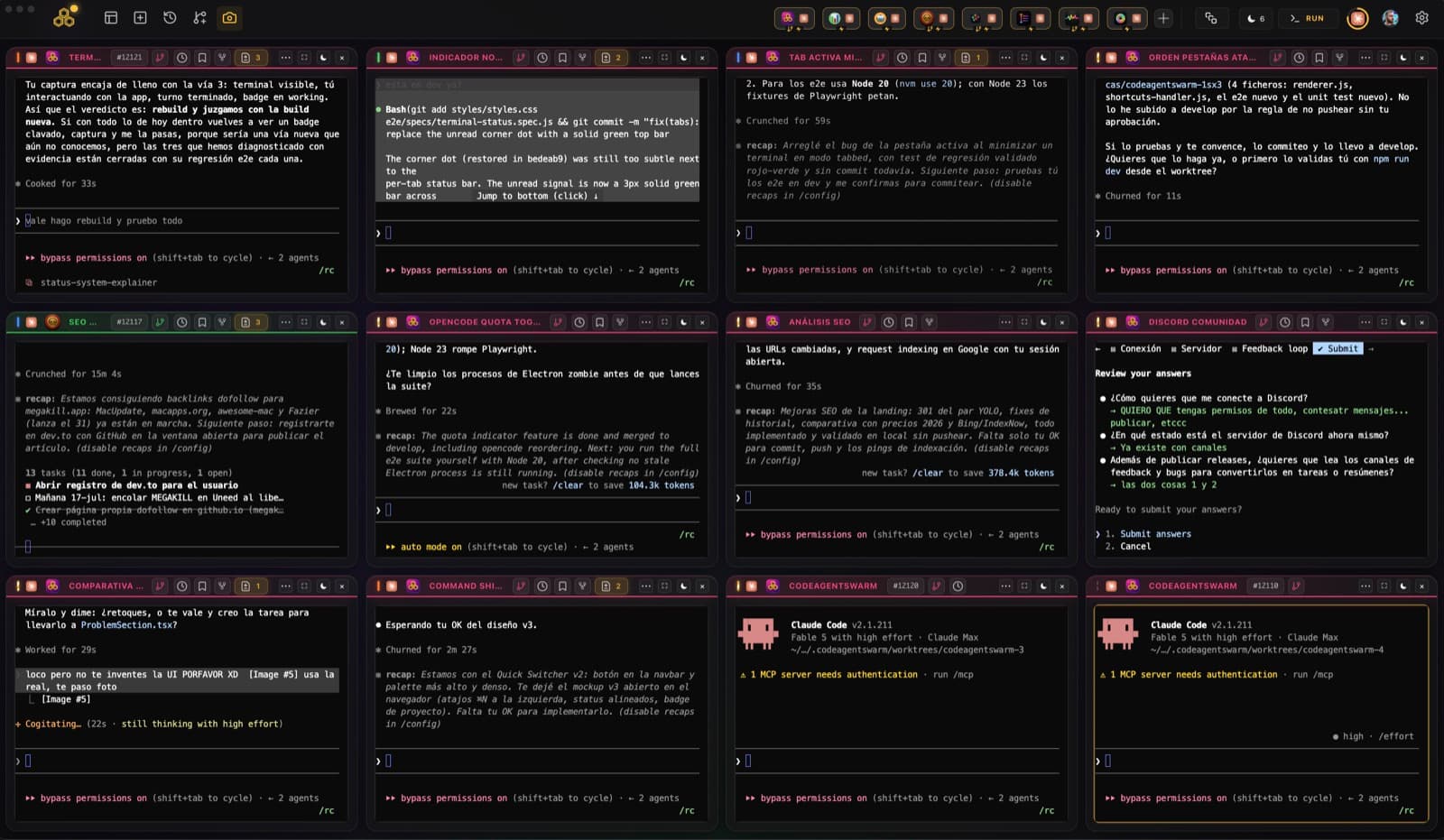
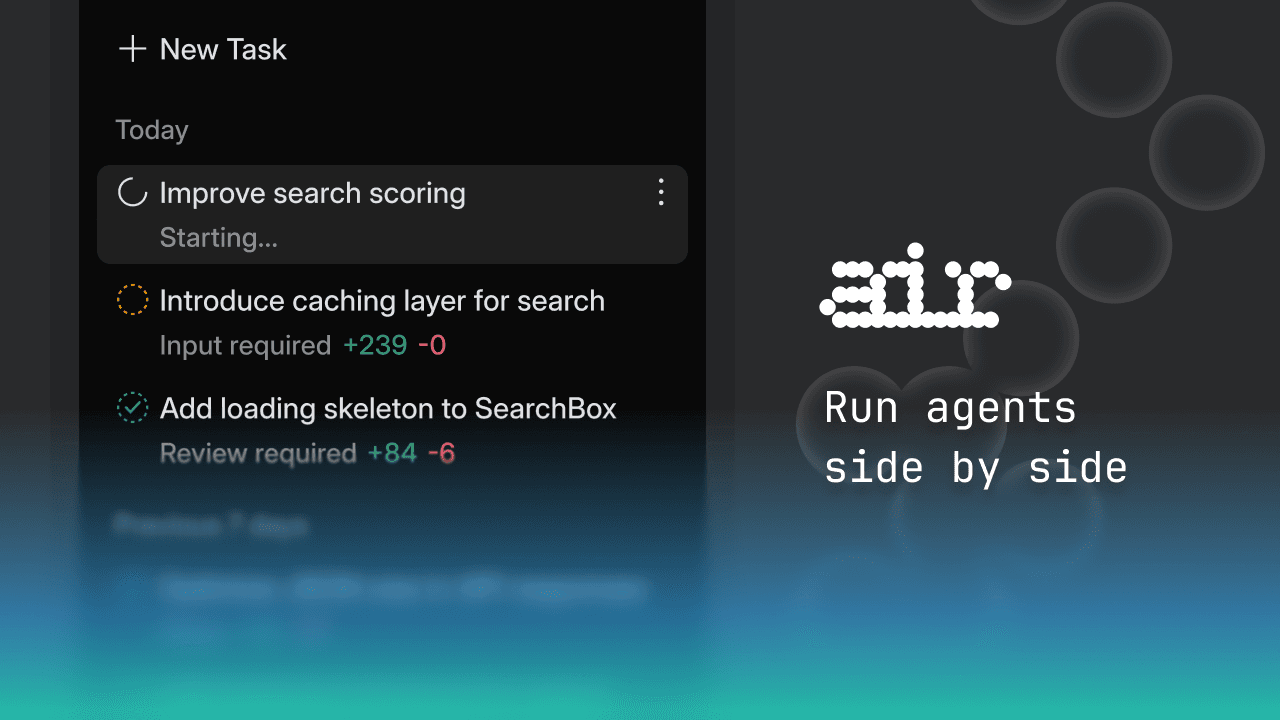
Multi-agent development often scatters across terminals, chat windows, and temporary branches, making task state, context, and code changes hard to review together. Air organizes that chain with a task list, Plan, terminal, preview, Git worktrees, and diff review.
Why it was selected
JetBrains' public-preview material says Air can run multiple AI agents on separate tasks while keeping the terminal, Git, preview, and whole-codebase review in one environment. Its official material also lists Codex, Claude Agent, Gemini CLI, Junie, and ACP support. A June 2026 JetBrains update records Windows x64/ARM64 availability, Plan mode, parallel Git worktrees, and a workflow where one agent reviews another. These are JetBrains' public product descriptions, not independent BitShovel performance findings.
What is genuinely novel
The focus is not another chat wrapper, but a workspace for orchestrating parallel agent runs, isolated context, and code review. Its differentiation is workflow visibility and control; that does not make the agent output correct by itself.
Best for
Developers and small teams that need to move several coding tasks forward while keeping agent runs and human review visible in one workflow; not for treating a public preview as a stable IDE replacement or shipping agent output without review.
Editorial evaluation
02 / WHAT STANDS OUT
3 product decisions worth noticing
Make parallel work legible
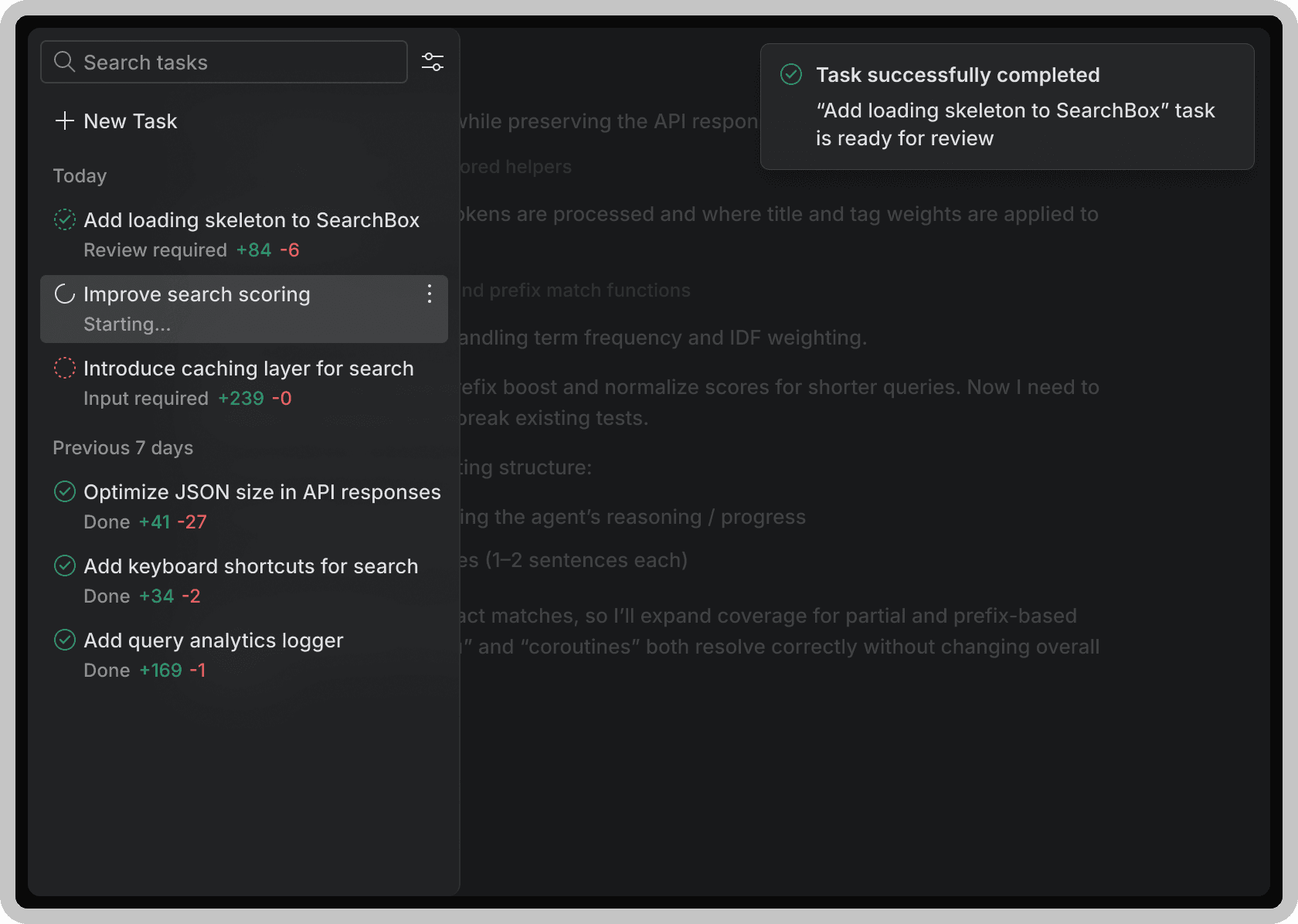
A task list, plan, running state, and review state show what each agent is doing and reduce the loss of control that comes with several black boxes running at once.
Isolation is collaboration infrastructure
Putting separate tasks in independent worktrees makes rollback, comparison, and review ownership easier than letting multiple agents share one working directory.
Review must be a first-class step
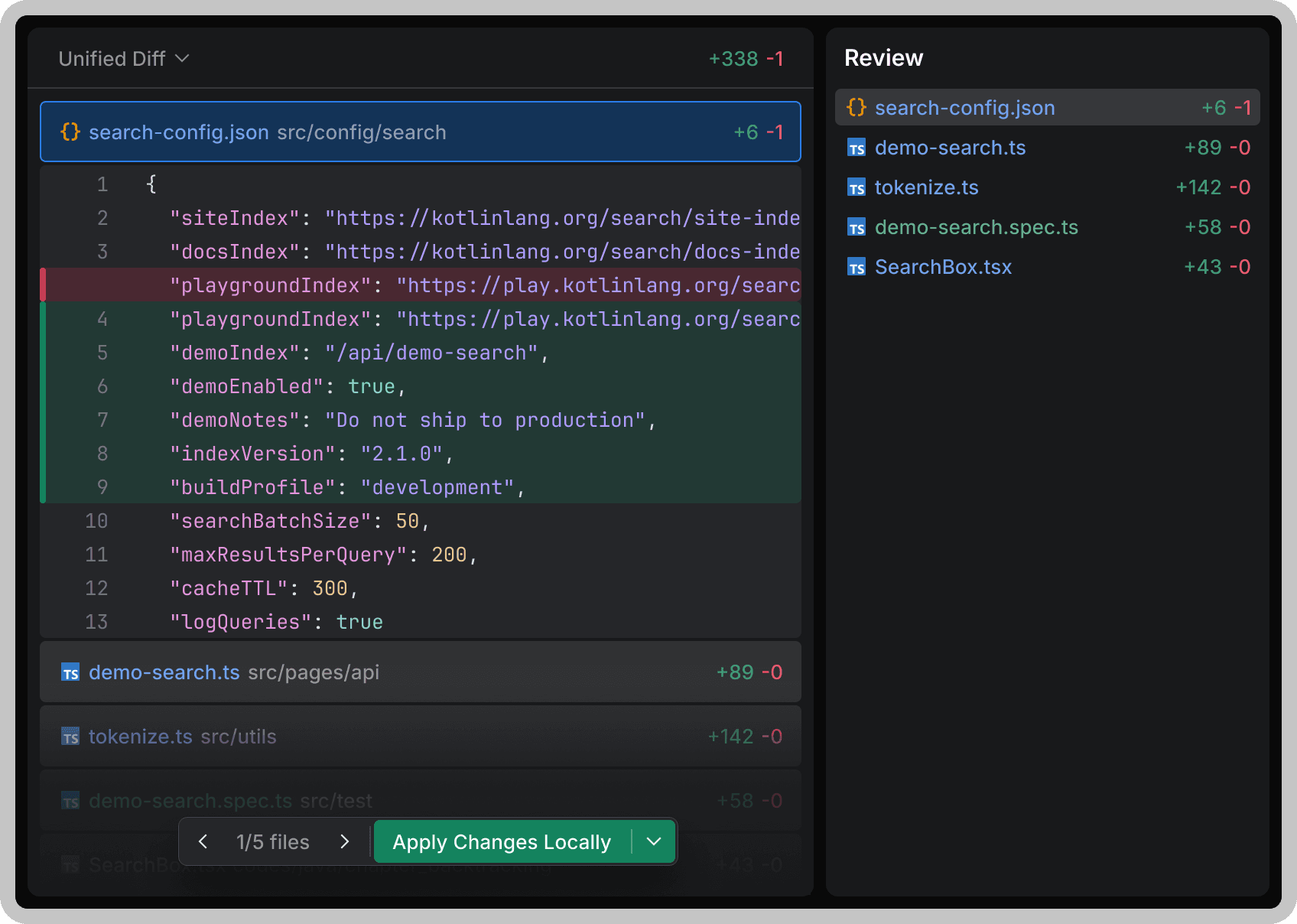
Plan and diff become a safety boundary only when accept, reject, and follow-up actions are connected to the workflow rather than left as attractive presentation panels.
Product insight worth carrying forward
Make agent collaboration an observable state machine: write the plan, choose the agent and isolated workspace, inspect the diff after execution, then accept or send it back. Use worktrees for parallel tasks and make risk control part of the product flow.
03 / DO NOT COPY
What not to copy
04 / LIMITS & RISKS
Limits and risks
Air is still a public preview. Available models, permissions, execution location, and cost depend on JetBrains AI, BYOK, or an external agent provider; an isolated worktree does not mean code or prompts never leave the device. Agents may edit files, run commands, or consume quota, so each diff, permission, and network path needs review. The live download page should take precedence over early platform plans; this review did not independently verify stability, privacy, speed, or agent compatibility.
Compared with alternatives
Compared with terminal-only agent workflows, Air is stronger at showing task state, isolating parallel branches, and centralizing review. Compared with a mature IDE, it is better understood as an agent orchestration layer than a complete replacement. Its value depends on whether a team truly needs parallel agents and whether review lowers rather than amplifies change risk.
05 / EVIDENCE
Visual evidence
06 / SOURCE
Source and verification
- Original author
- JetBrains
- Country / region
- Global
- Maturity
- Pilot
- Confidence
- Partial
- Discovered
- 2026-07-25
- Last verified
- 2026-07-25
What this review checked
This was a read-only review of JetBrains' product page, the March 2026 public-preview announcement, the June 2026 Windows release note, and real interface images from the official site. The public pages establish a task list, Plan mode, parallel Git worktrees, diff review, and Windows x64/ARM64 downloads. BitShovel did not install the desktop client, sign in, run an agent, connect an API key, create a worktree, or verify generated-code quality.
Latest change
Initial bilingual profile created from a read-only review of JetBrains' official product page, public-preview announcement, Windows release note, and official interface images. Recorded as a public preview with three first-party images; no installation, sign-in, agent run, API-key connection, worktree creation, or generated-code verification occurred.
Ready to explore further?
Open the product, or return to the original source to verify the details.
ONE-TAP FEEDBACK
Did this profile help you judge the product?
One tap. No writing required.