
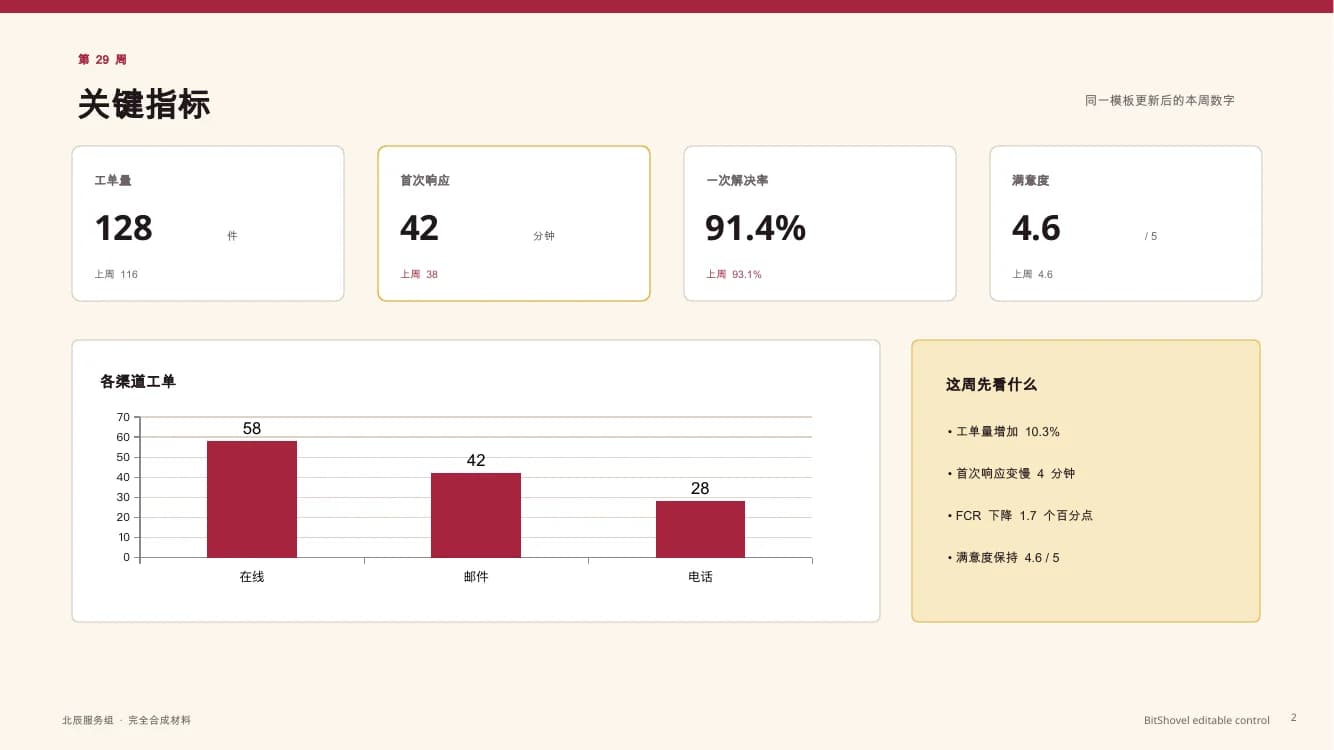
TEXT AND CHARTS STAY SEPARATE
Text, shapes, and charts are stored separately in the PPTX
A locally synthesized BitShovel reference, not third-party AI output or a product verdict.
Download this structure sampleAI ARTIFACT CHECK · PPTX
Start with two file structures: one keeps text and shapes separate; the other looks finished but stores every slide as an image. See the difference, then check yours.
This reads file structure only. It cannot decide whether the content, numbers, sources, or layout are correct.
SAMPLE SLIDE PREVIEW
A locally synthesized BitShovel reference, not third-party AI output or a product verdict.
Download this structure sample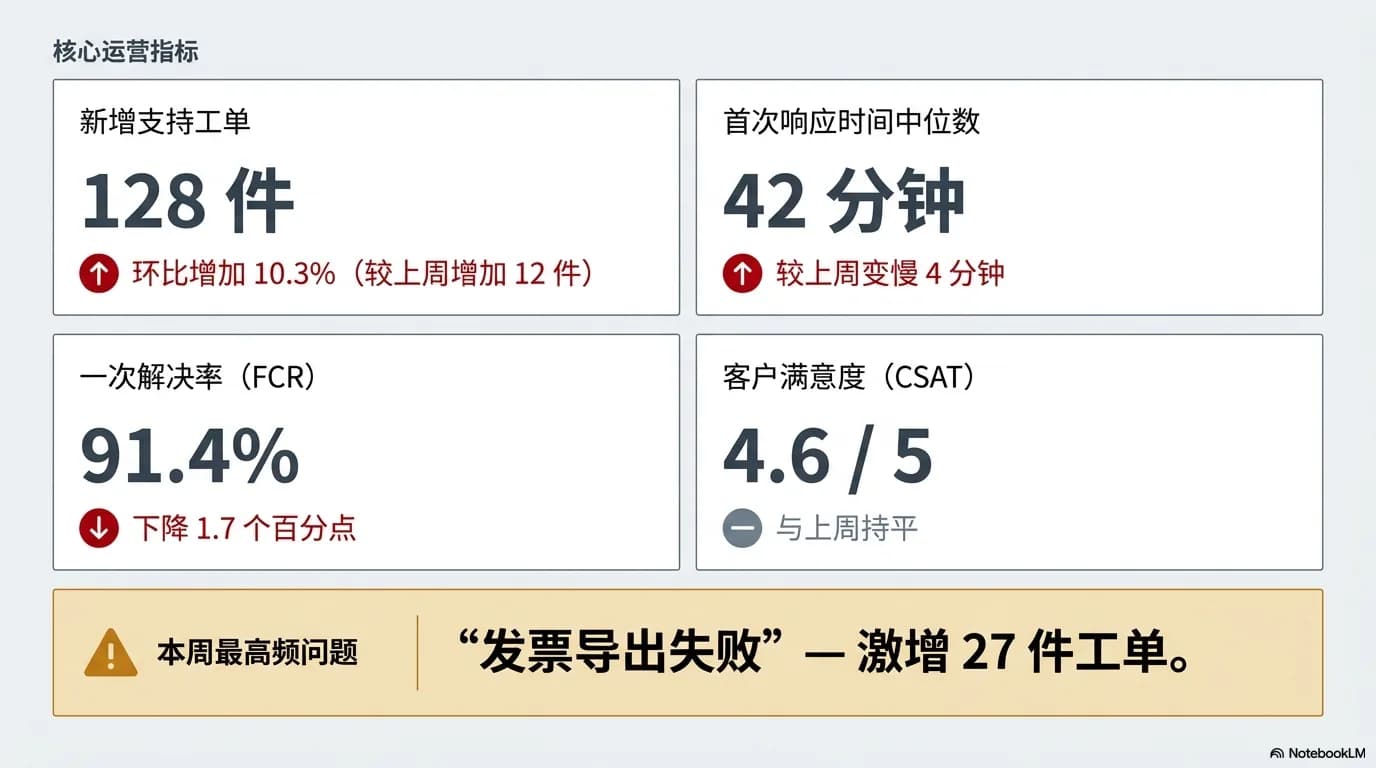
An existing synthetic NotebookLM output used only to show image-only structure, not a head-to-head tool comparison.
Download this structure sampleBoth are synthetic structure samples. They answer “what is visible in the file,” not “which tool is better.”
YOUR FILE
PPTX is required. If you also have the XLSX used for this deck, add it too. Inspection starts immediately in this browser.
This version supports .pptx with one optional .xlsx. Each file is limited to 25 MB for now. Legacy .ppt / .xls, .pptm, password-protected files, and other office formats are not supported yet.