ITHome · Published 2026-09-12
WeChat tests AI photo editing before you send
Editing a picture and sending it could become one flow: WeChat is testing AI tools inside its chat image editor.
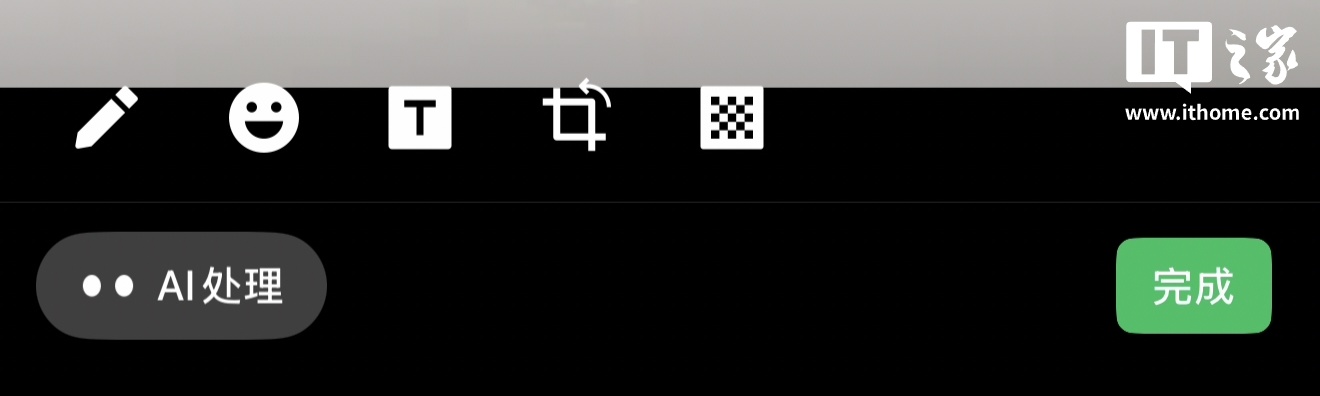
A new entry in the image editor
ITHome reported on September 12 that some users see an AI-processing button while editing an image for a chat. It opens tools for appearance, image changes and information extraction.
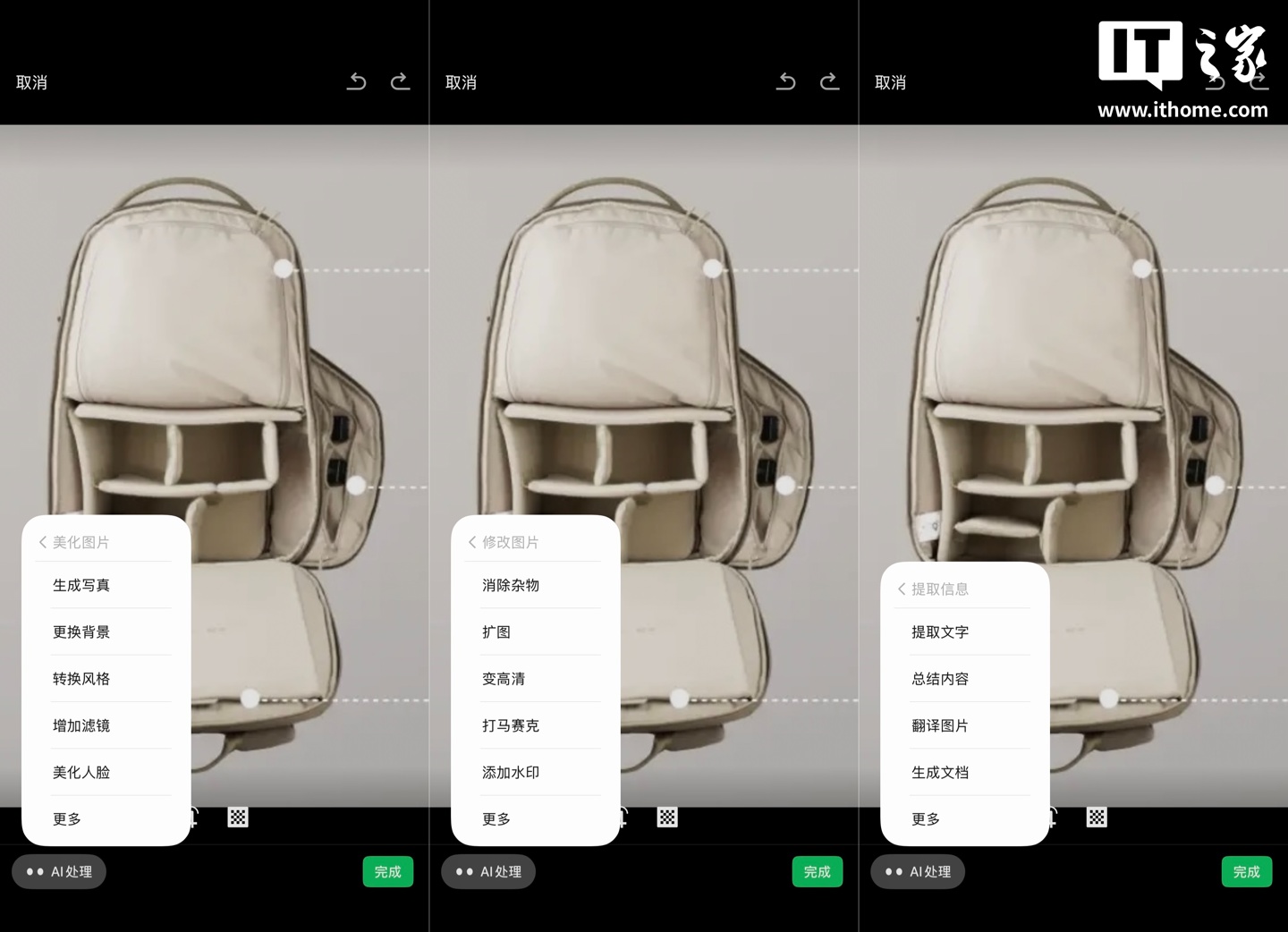
Change the picture or read its contents
The menus separate three tasks: changing the look, fixing an image and reading its contents. Options include background changes, object removal, expansion and sharpening, plus text extraction, summaries, translation and document creation. More requests can be sent to Xiaowei.
Still a limited test
The controls are not available to everyone, and wider availability awaits confirmation. The useful change is where the tools sit: immediately before sharing. The retained screenshots show the menus; they are not a BitShovel test of output quality.
Sources and notes
sources中文
Sources and notes
- Read the originalITHome
Retained summary and context
Limited testing reported by ITHome. Screenshots illustrate the controls; BitShovel has not tested the results.
Sources and evidence · 2 links
Each link has a purpose and scope. Link counts do not establish independent confirmation; direct support applies only to the statements specified below.
This page keeps the original link and a short account. Follow the links below for the publisher’s full explanation.
Source timeline
- · Found this reading link via ITHome.
Collection record
First discovered: ; added to the library:
Collection and source publication have distinct dates.
See how these changes connect
 Topic · Following
Beyond cleaning up a picture, sketches, multiple references and revisions can guide an image.
How do you revisit the original after editing? Read about reference-image records.