Everyday creativity · Suno v6
Suno v6: start a song with a photo
Photos, videos and humming can start a song. Use birthday wishes, travel memories and short-film soundtracks as input examples to explore creating, editing and choosing a Suno v6 model.
01Find a starting point中文
Start with a photo or a hummed tune
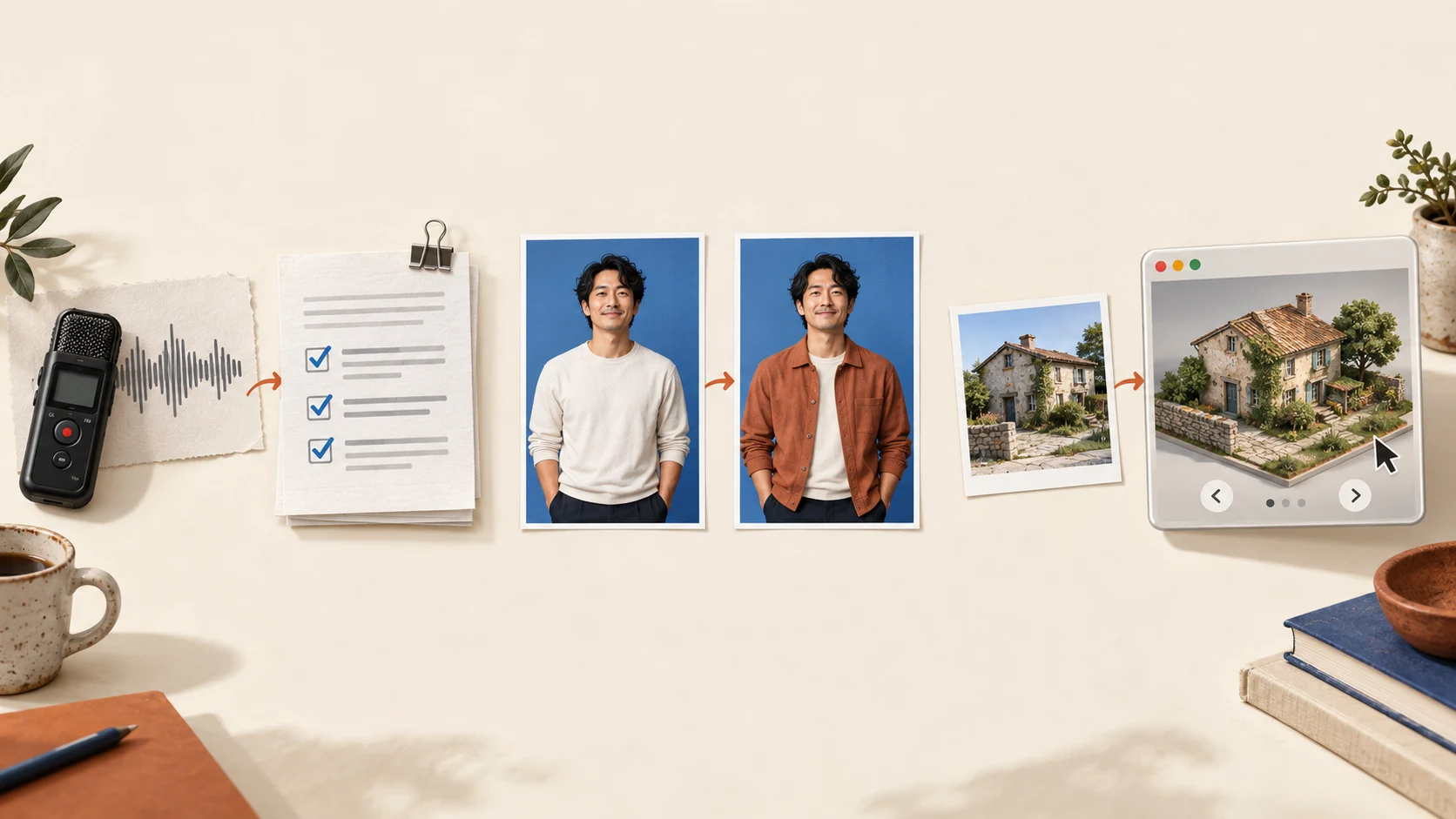
The official demo starts songs from a photo, a dog video and a hummed melody, then presents clips before and after changing “love” to “light” in an existing song. The first three examples start from new material; the last edits one word in an existing piece.
Released on September 9, Suno v6 supports text, audio, image and video inputs for making music. An idea can begin before you have complete lyrics: a group photo from your album or a tune hummed into your phone can provide the starting material.
For a birthday greeting, you could try a group photo with a request such as: “Write a cheerful little song about the trip when we got lost together, ending with happy birthday to Lin.” Adding a shared memory gives the input something personal to work with.
For a travel memory, you might choose a seaside clip, add “slow and relaxed, like an evening walk,” or hum a melody you would like in the chorus. The birthday, travel and short-film scenarios in this article are input examples; BitShovel has not generated or listened to songs from them.
02Keep working on the song中文
Change a lyric or an instrument
Once a song has a part you like, the next step may be a small adjustment. Suno describes local lyric and arrangement edits in v6, along with combining elements from different songs. These provide ways to continue developing a song without starting the whole piece again.
Take the birthday example again. Suppose you like the chorus but want to replace a generic greeting with an inside joke. You could focus the request on that line, stating what should stay and what the new lyric should express. That gives the edit a clearer target than “make it sound better.”
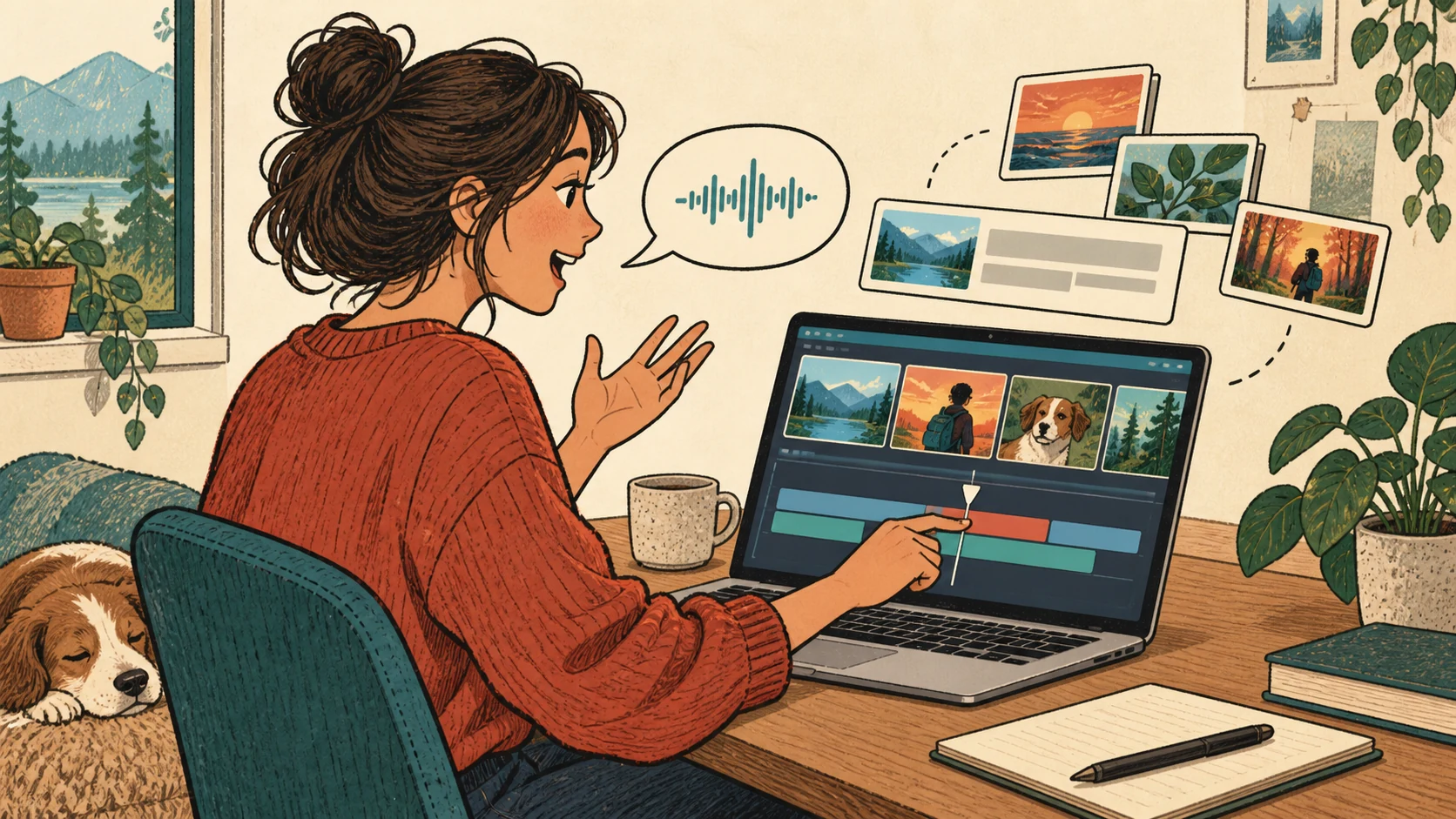
For a short-film soundtrack, you could focus on one sound: “Keep this upbeat rhythm, replace the guitar with softer piano, and use fewer instruments under the voice-over.” This is an example of how to express an editing idea. With a version in hand, listen for whether the melody competes with speech and whether its mood suits the scene.
03Choose a model中文
Refine, explore, or try an idea quickly
Suno distinguishes three priorities: v6 emphasizes control and precise editing, v6-wild exploration and variation, and v6-mini speed and efficiency. Start with v6 to refine an existing idea, wild to explore possible directions, or mini to try an idea quickly.
v6 and v6-wild are currently available to Pro and Premier subscribers; v6-mini is open to everyone. Begin with something small—a birthday message, a travel memory or the mood of a short clip—then decide whether you want to keep developing it.
Sources and further reading
- Introducing Suno v6Suno · September 9, 2026Input formats, local editing and combining song elements.
- Choosing between the v6 modelsSuno HelpThe priorities of control, exploration and speed, and model access.
Generation and downloads are counted separately. Suno currently lists standard download allowances of 7 songs for a free account over its lifetime, 20 per month for Pro and 60 per month for Premier. Studio has separate guidance. Read the download guidance ↗
See how these changes connect
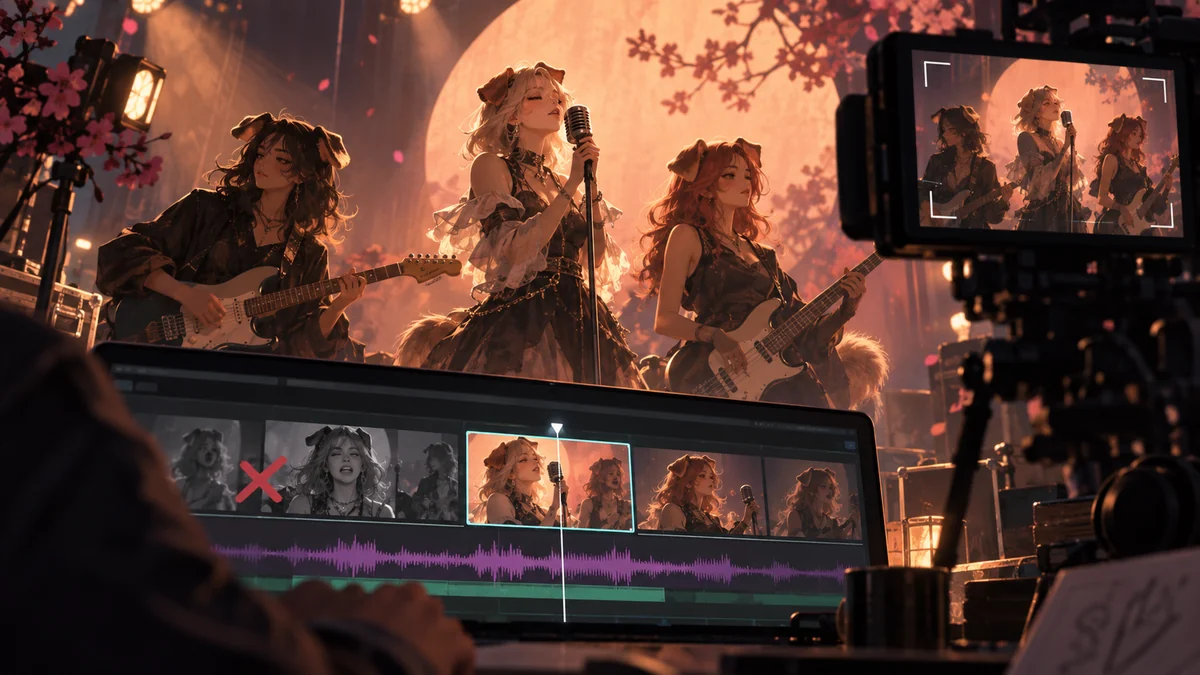
Editorial art · not film footage Once the song exists, who sings each line and when should the shot change? See how this MV joins lyrics with usable footage; it is an independent creative reference, not evidence of Suno v6 use.
A hummed tune or photo can be a starting point. How do other creations build on existing material?
For a soundtrack in a short film, an editable timeline matters too.