Concepts explained · September 8, 2026
Does downloading the model keep your data local?
A document can be processed locally, sent to a hosted service, or passed through an external tool first. Follow three routes to separate downloadable models from where the data actually goes.
01Why this question now中文
What do openness and control actually let you control?
On September 8, Mistral announced a €3 billion Series D at a post-money valuation above €21 billion. Its announcement describes sovereignty in terms of data, models, compute and production systems. That is the company’s account of its direction; how a particular product works still needs checking.
Suppose you want AI to summarize an internal document. Using an open model does not, by itself, tell you where that document goes. Who provides the model, whose machines run it, and which other tools receive the document are different questions.
Sources and further reading
- Mistral funding announcementMistral · 2026-09-08The funding figures and the company’s account of sovereignty.
02Separate model and service中文
Weights are the parameters a model learned
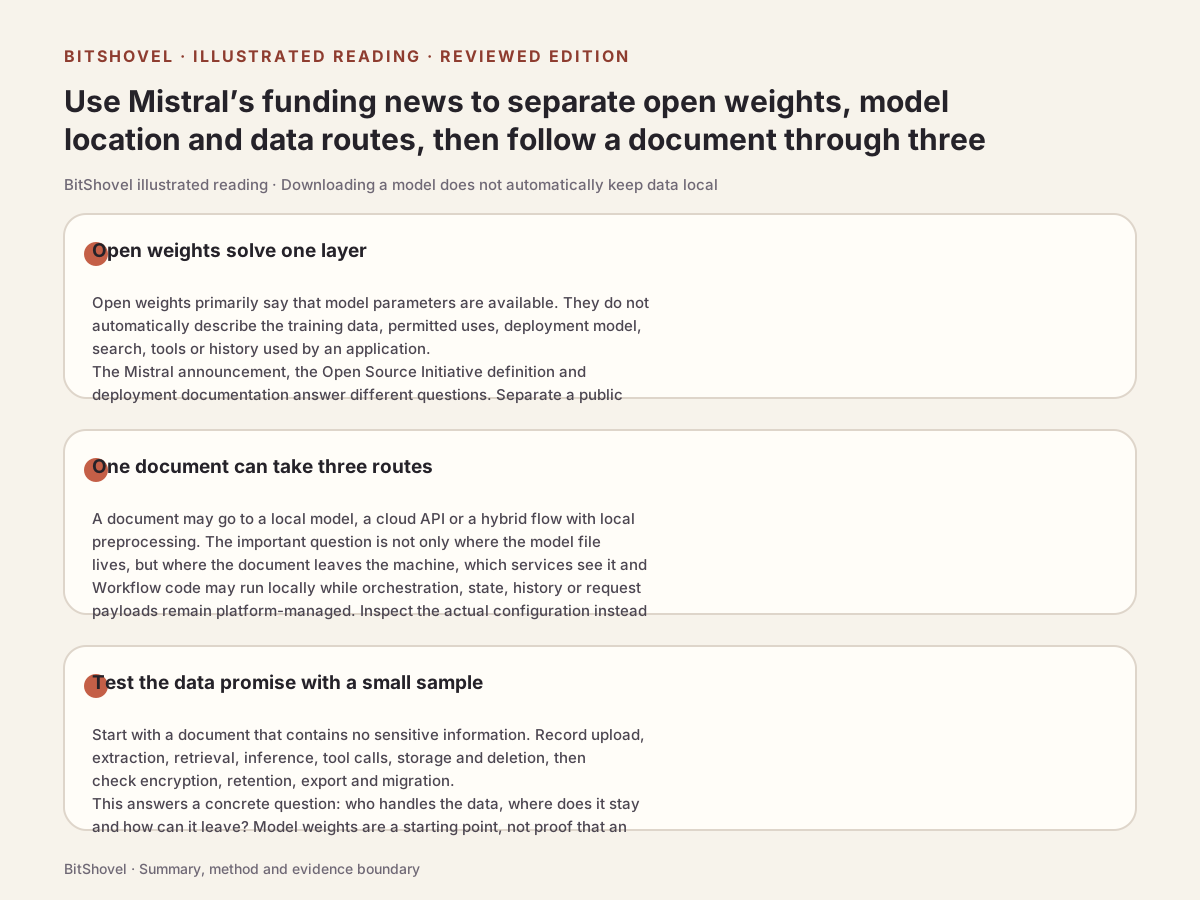
Weights are numerical parameters learned during training. They work with a model architecture and inference code to process inputs. Open weights generally means those parameters can be obtained; the specific model’s terms still determine permitted uses.
Some organizations define open-source AI more specifically. The Open Source Initiative’s version 1.0 combines freedoms to use, study, modify and share with requirements for data information, code and parameters. A download button alone does not establish that a system meets that definition.
Sources and further reading
- Open Source AI Definition 1.0Open Source InitiativeDistinguishes weights, models and this definition; it does not certify a particular product.
03Follow one document中文
The same model can sit on different data routes
These are three illustrative setups written by BitShovel, not tests of a particular product. Each arrow means an input is handed to the next processing step. Whether it leaves the environment you manage depends on deployment and tool configuration. Self-deployment may use rented cloud servers; it does not necessarily mean a personal computer.
Mistral’s Vibe Code offline-model documentation also treats telemetry, automatic updates and tools that reach external services separately from local model configuration. Model location and the whole application’s data route need separate checks.
Sources and further reading
- Mistral · Self-Deployment / vLLMOfficial documentationModels can run on your infrastructure, including from existing local artifacts. Our illustration separates model location from application steps.
- Vibe Code · Using offline modelsOfficial documentation · Run fully offlineNetworked steps outside the local model need separate checks.
- A · Within your environmentDocument → local app → local model
This simplified setup has no external processing step. Check separately for app networking, logging and synchronization.
- B · A hosted serviceDocument → provider’s app → provider-run model
Even if the weights are downloadable, the provider processes this request. Its service documentation governs retention and use.
- C · Local model, external toolDocument → external text extraction → local model
The model is local, but an earlier step sends the document to another service. Checking only the model’s address misses this route.
04A detail in real documentation中文
Local code does not imply local-only data
Mistral Workflows offers a concrete example. In its documented hybrid mode, your code runs in your environment while the platform manages orchestration, state and history. Workflow inputs and outputs pass through the platform. The documentation describes controls including payload encryption and offloading larger inputs and outputs to file storage you control (object storage).
The encryption page calls the data exchanged by a workflow, such as inputs and outputs, its payloads. It distinguishes the default cleartext mode from separately configured encryption, which can cover every payload or only selected fields. That concerns application data handling; it does not establish that network transport is unencrypted. Passing through a platform does not, by itself, establish training use or a leak.
When code runs in your environment, the next questions are which data passes through the platform and which protections are enabled. This describes the documented hybrid mode, not the data route of every Mistral product.
Sources and further reading
- Mistral Workflows · OverviewOfficial documentation · What runs whereThe hybrid deployment split, payload route and available controls.
- Workflows · EncryptionOfficial documentation · default and encrypted modesPayload encryption requires configuration; it is not a blanket default guarantee.
05Use the distinctions中文
Use a sample file to ask three questions
Start with a sample file that contains no private or internal information and ask the tool provider the three questions below. This is our suggested way to understand a setup, not a finding that any product passed an inspection.
- Where does processing happen? Identify the app, model and external tools such as text extraction or search.
- What gets retained? Ask separately about original files, prompts, outputs, logs and synced copies, using the actual service documentation.
- What can you take when changing tools? Use the sample to check exports of files, results and needed settings. Obtaining a model does not migrate an entire workflow.
Sources and further reading
- Can a local small model resume a project? A list-export trialA BitShovel local trialFollow a teaching list through local inference, truncated outputs, a generated file and independent checks.
- Why seeing AI “think” is not enoughRelated BitShovel explanationContinue by separating explanations, action records and actual results.
- funes: after finding an old decisionBitShovel trial notesUnderstand local retrieval and the external assistant calls that the trial did not cover.