
01 / ANALYSIS
Product analysis
- Maturity
- Commercial
- Confidence
- Partial
- Verified
- 2026-07-18
- Commercial relation
- Not sponsored
Problem solved
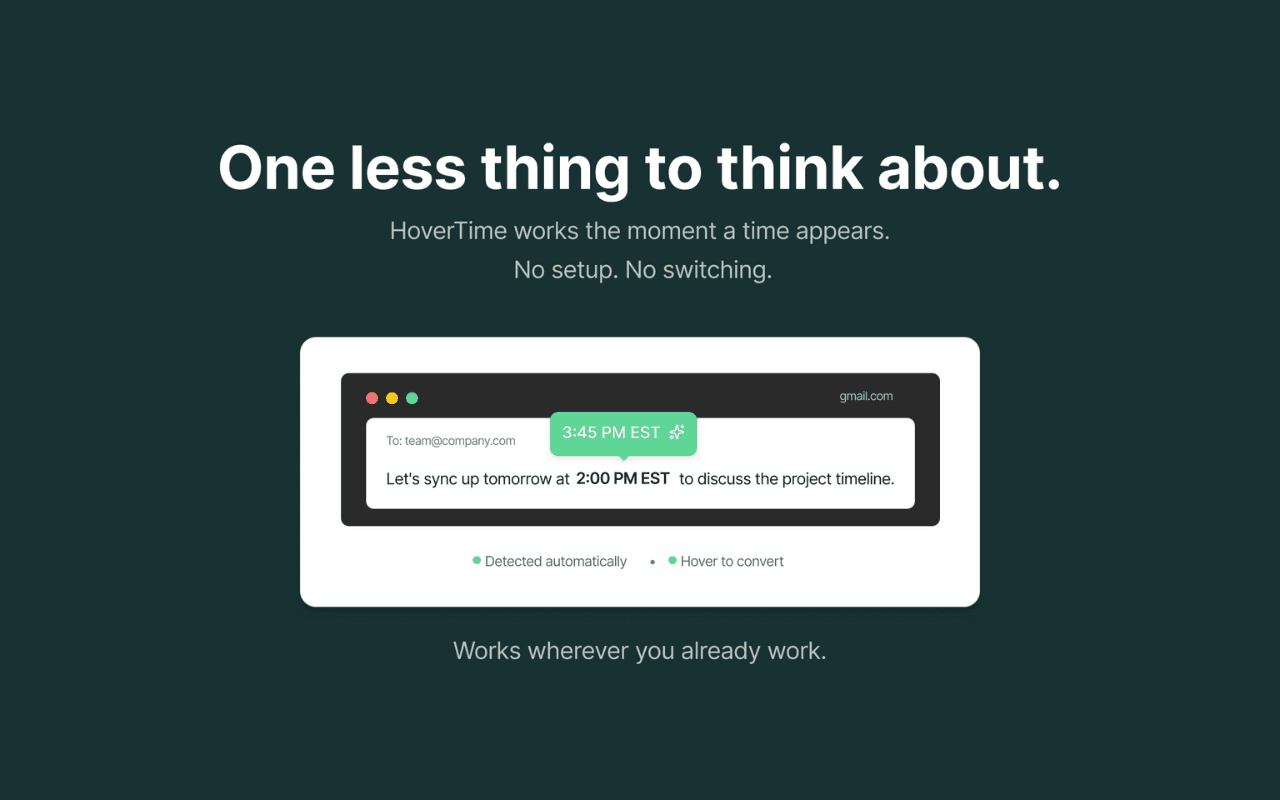
Cross-region work repeatedly exposes people to PST, CET, and city-based times inside messages and meeting details, interrupting the task with searches or mental math. HoverTime detects time expressions on supported browser pages and shows the local conversion on hover.
Why it was selected
At a July 23, 2026 spot check, the official Chrome Web Store showed version 1.1.0, a July 10, 2026 update, 50 users, and three ratings, alongside real product screenshots, the developer entity, and a public support email. The site also discloses free basics, $4/month Pro, and the boundary that ordinary detection stays local while small ambiguous time fragments may use the cloud. Those details are more useful than a generic privacy-first claim. Store counts and ratings can change; these figures are only the platform snapshot from that check.
What is genuinely novel
It combines three layers in one low-friction action: detect times on the page, keep ordinary conversion in the browser, then ask for a zone or use cloud interpretation only for ambiguous expressions. Free basics and monthly Pro features follow the same complexity boundary.
Best for
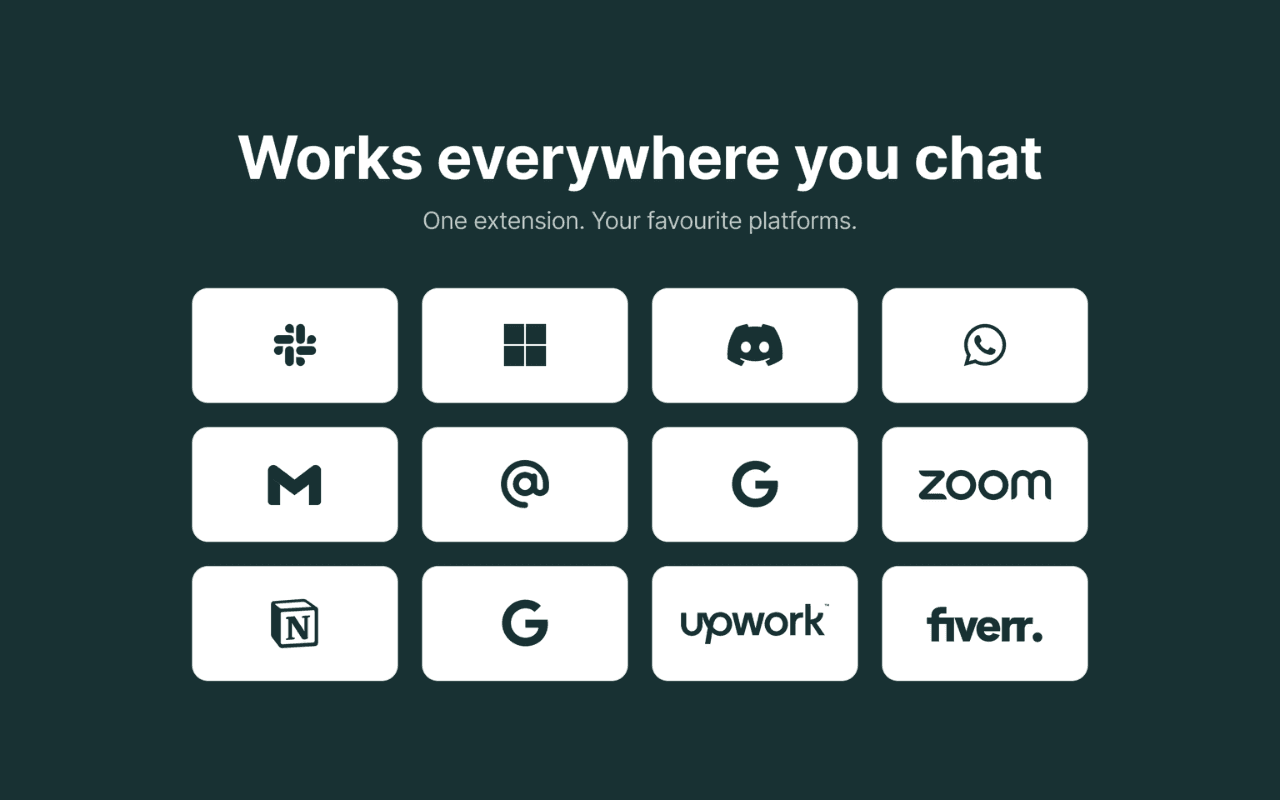
People who handle cross-time-zone information in email and collaboration tools, and product designers studying contextual browser utilities
Editorial evaluation
KEEP DISCOVERING
A few more products worth noticing
A small set selected by product shape and profile similarity, with independent verification records.
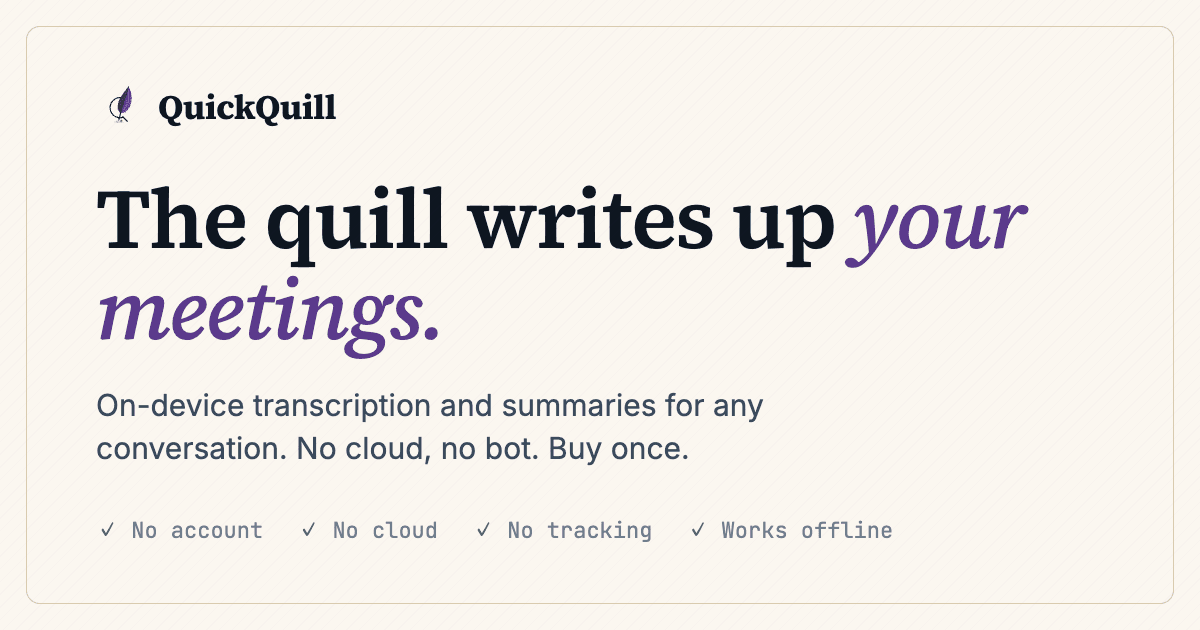
QuickQuill
Taisei Ide
What it solves
Many meeting-note tools require an account, cloud uploads, or a bot in the call. QuickQuill says it captures microphone and system audio on the Mac and handles transcription, summaries, captions, translation, and export locally.

Move to Slack
Uneed publisher signmadeasy / the HIC Global Solutions team
What it solves
Moving from Teams or Google Chat to Slack requires preserving identity, channel permissions, threads, DMs, files, timestamps, and context—not merely copying messages—and finding gaps before cutover.
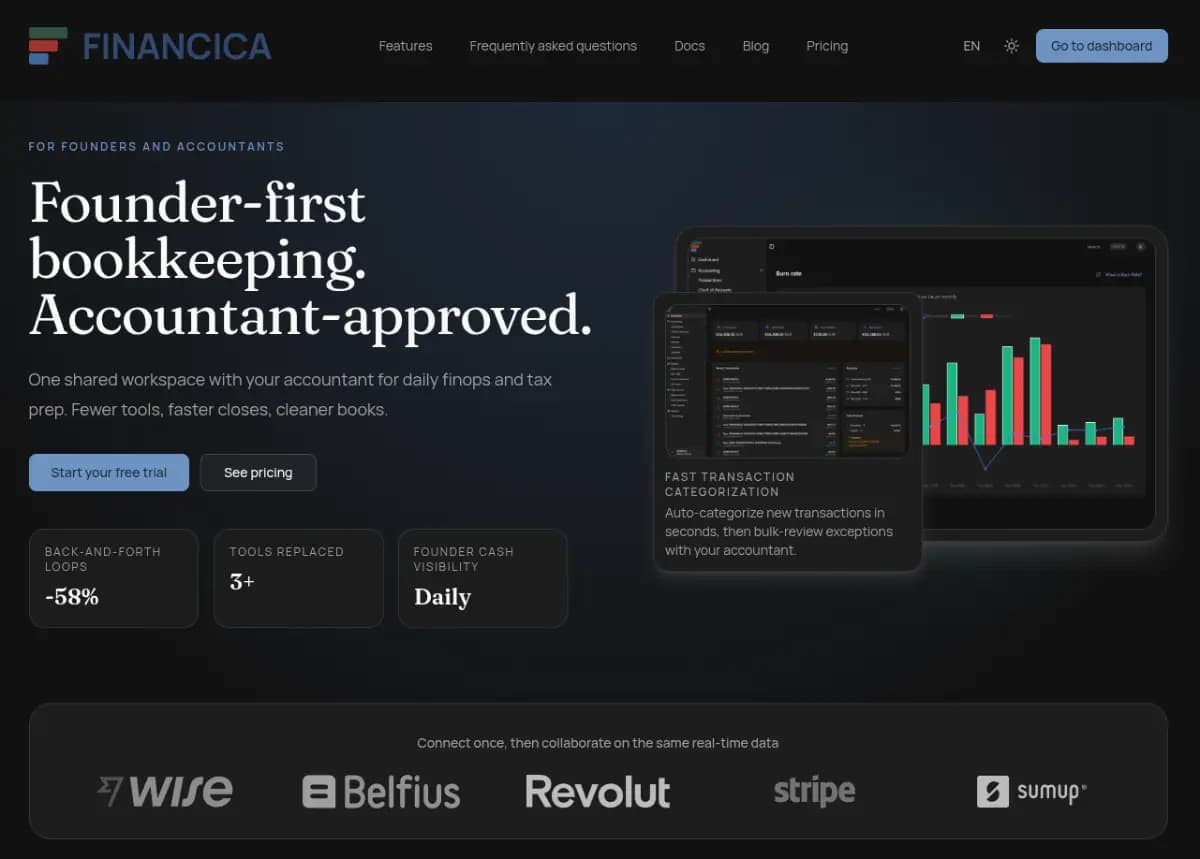
Financica
Uneed publisher Jerome Leclanche (@jleclanche) / operator Ingram Technologies SRL
What it solves
Small companies often split bank feeds, Stripe, invoices, receipts, VAT worksheets, cash forecasts, and accountant communication across tools and email. Month-end then requires re-exporting, re-explaining, and reconciling, while founders work from delayed numbers.
02 / WHAT STANDS OUT
Three product decisions worth noticing
Put the tool where friction happens
Frequent small problems often do not need a larger workspace; completing one action beside the source text removes memory, copying, and context switching together.
Express local-first as a branch
Local-first is not an absolute slogan: process common inputs locally, network only the smallest unresolved fragment, and tell users when that boundary is crossed.
Let pricing follow complexity
Keeping basic hover conversion free while placing multiple cities, natural language, and sync in Pro makes the value boundary easier to explain than arbitrary feature cuts.
Product insight worth carrying forward
Embed a frequent micro-task beside the source information and keep common cases local; send only the smallest ambiguous fragment to the cloud and disclose that exception as a product boundary.
03 / DO NOT COPY
What not to copy
04 / LIMITS & RISKS
Limits and risks
Time-zone abbreviations, daylight saving, missing dates, and natural language can remain ambiguous, and the terms disclaim losses from missed meetings or deadlines. Most detection is described as local, but ambiguous fragments may use the cloud; optional accounts store email, user ID, authentication tokens, subscription and referral status, while diagnostics include errors, crashes, and basic usage events. The current landing HTML loads Google Analytics and Google Ads configuration while the privacy page says data is not used for advertising or behavioral tracking. That may distinguish site measurement from extension data, but this review could not verify the boundary and the team should clarify it.
Compared with alternatives
Compared with search or a standalone converter it removes copying and tab switching; compared with fixed zones in a calendar it covers temporary times in email, chat, and ordinary pages. The tradeoffs are browser page-access boundaries, possible cloud handling for complex expressions, and accounts plus subscriptions for Pro features.
05 / EVIDENCE
Visual evidence

06 / SOURCE
Source and verification
- Original author
- Seconds Labs LLC
- Country / region
- United States / global
- Maturity
- Commercial
- Confidence
- Partial
- Discovered
- 2026-07-18
- Last verified
- 2026-07-18
What this review checked
We verified the current site, Chrome Web Store listing, privacy policy, terms, cookie policy, and public Uneed profile, including the deployed site's feature, pricing, and script disclosures. We did not install the extension, grant page access, create an account, or transmit page content, so detection accuracy, permission scope, network behavior, and cross-browser compatibility were not independently tested.
Latest change
Initial profile created from the site, Chrome Web Store, privacy policy, terms, cookie policy, and official screenshots; the extension was not installed, and local/cloud processing, optional accounts, and site-measurement boundaries are recorded.
Ready to explore further?
Open the product, or return to the original source to verify the details.
ONE-TAP FEEDBACK
Did this profile help you judge the product?
One tap. No writing required.