01 / HOW IT HELPS
Start with what it may help you do
What it can help with
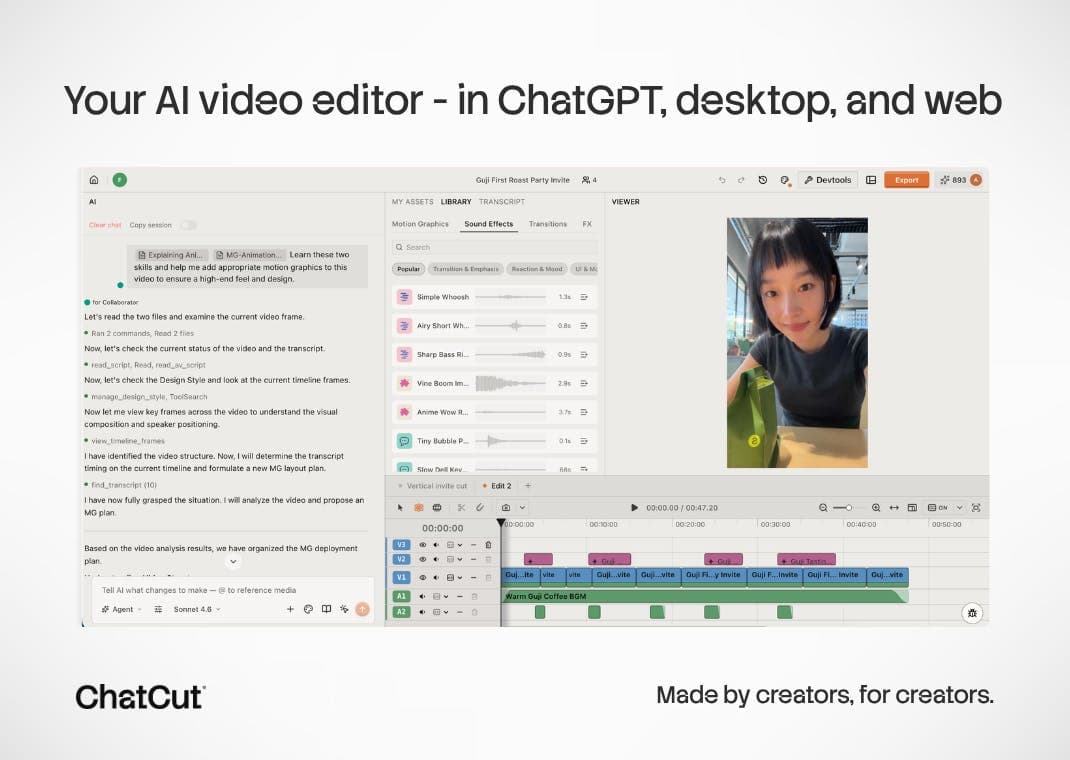
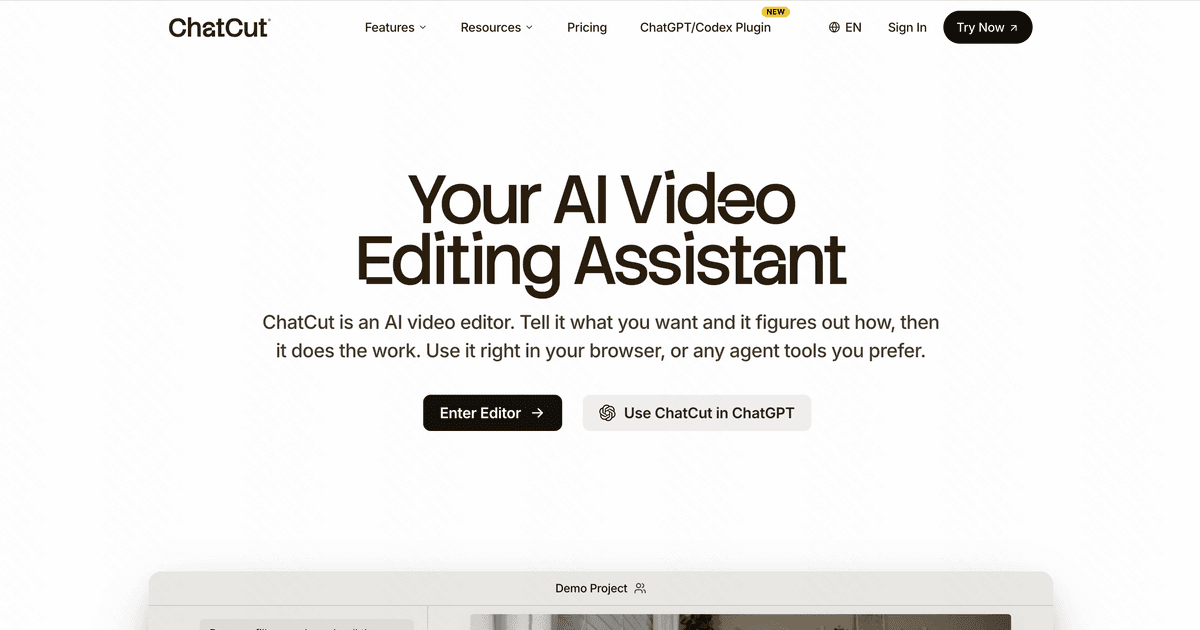
After a talking-head video, lesson, or interview is recorded, the slowest part is often finding highlights, cutting pauses and verbal fillers, arranging the story, and adding captions. ChatCut lets people make a first pass with a prompt or transcript, then refine it on an editable timeline.
Who may find it useful
Talking-head creators, podcasters, course makers, and interview editors aged 18 or older who have the rights to their footage and will review every change on the editable timeline. It is not a fit for confidential client material, footage of minors, regulated data, or treating an AI first cut as a finished video.
Current availability
A public product page with commercial access is available. Check it for pricing, free allowances, and account requirements.
02 / BEFORE YOU USE IT
Know these limits before you start
The terms require users to be 18 or older and to hold the rights to uploaded and exported content; the service is hosted in the United States and is not suited to regulated or sensitive material. The terms say user media is not used to train AI models, but the June 7, 2025 privacy policy describes website data only and does not name the processors or models that receive uploaded video, retention periods, or what happens after a cloud project is deleted. Subscriptions renew monthly and monthly credits expire after 60 days. Generated footage, music, captions, and edits still need checks for accuracy, rights, and synthetic-media disclosure.
Compared with other options
Compared with editors that only remove transcript segments, it combines prompts, captions, asset generation, and a multitrack timeline. Compared with a traditional editor, the first pass is easier to start, but it still requires cloud upload and AI judgment about highlights and pacing. Sensitive footage or frame-accurate final delivery is better kept in a local or traditional workflow.
03 / PRODUCT VIEWS
See what the product looks like today

04 / SOURCES & DATE
Where to go if you want to learn more
- Maker / author
- ChatCut Inc. / Finn, Kaiwen Li, Alima Strickland, and the ChatCut team
- Country / region
- United States
- First added
- 2026-07-26
- Last checked
- 2026-07-26
Original sources (5)
Open the maker's material directly to check features, installation, data, and versions. These links leave BitShovel.
We reviewed public pages and original material but have not completed the full workflow ourselves.
Why we show sources and unknownsWant to check it yourself?
Try the product yourself, or open the original material to check the details.
ONE-TAP FEEDBACK
Did this page help you decide whether the product fits?
One tap. No writing required.