01 / HOW IT HELPS
Start with what it may help you do
What it can help with
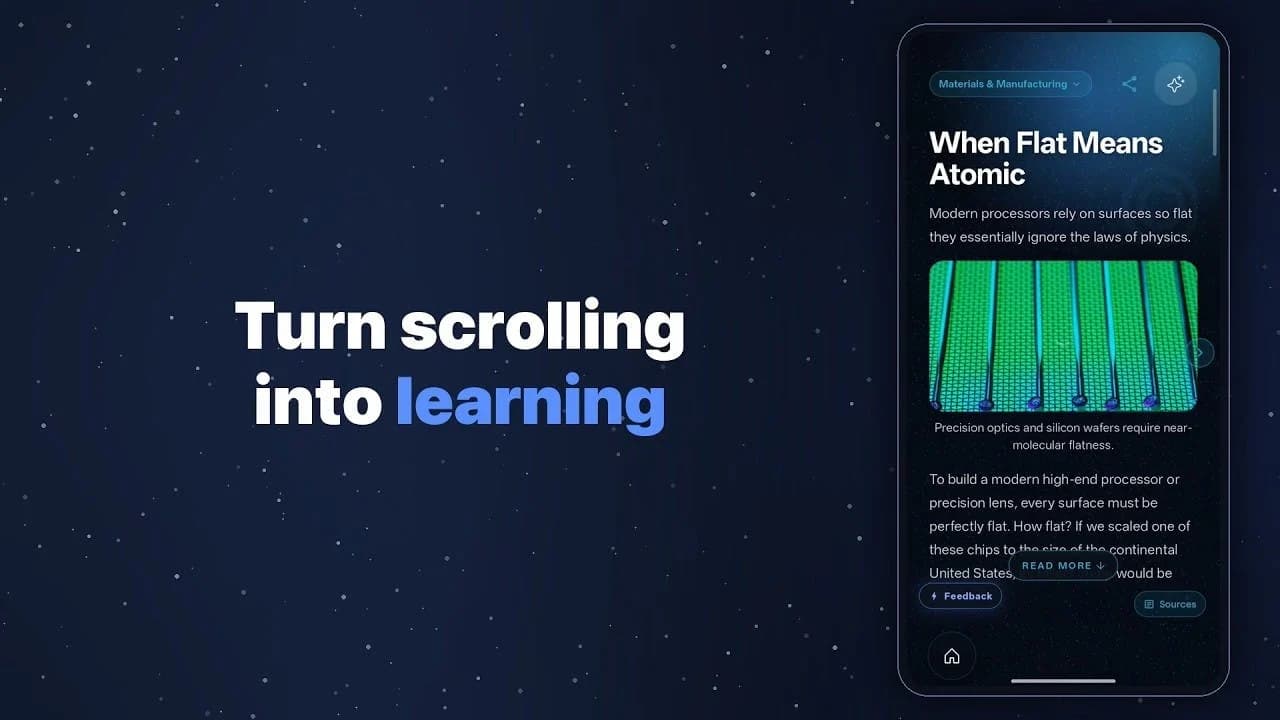
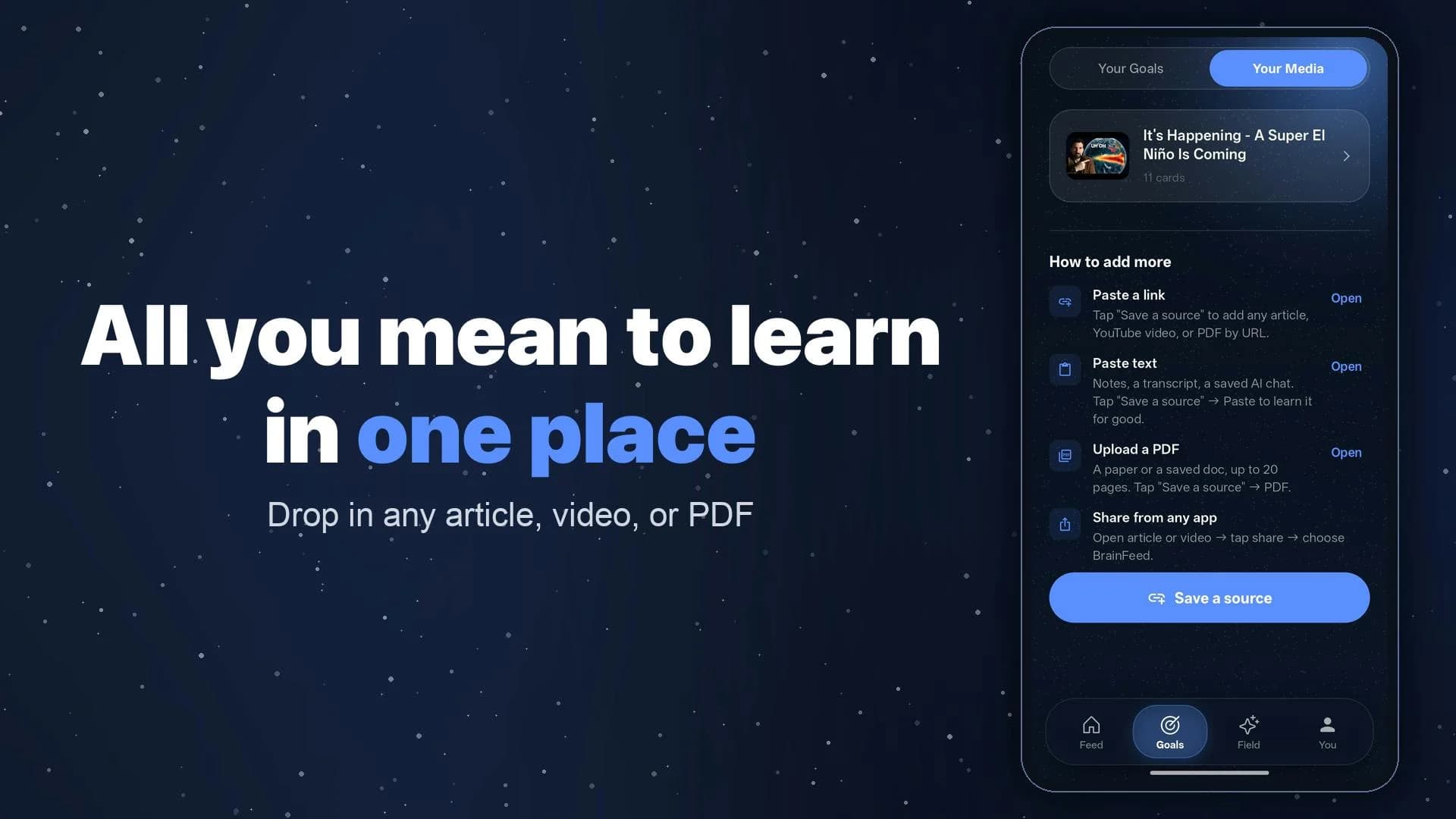
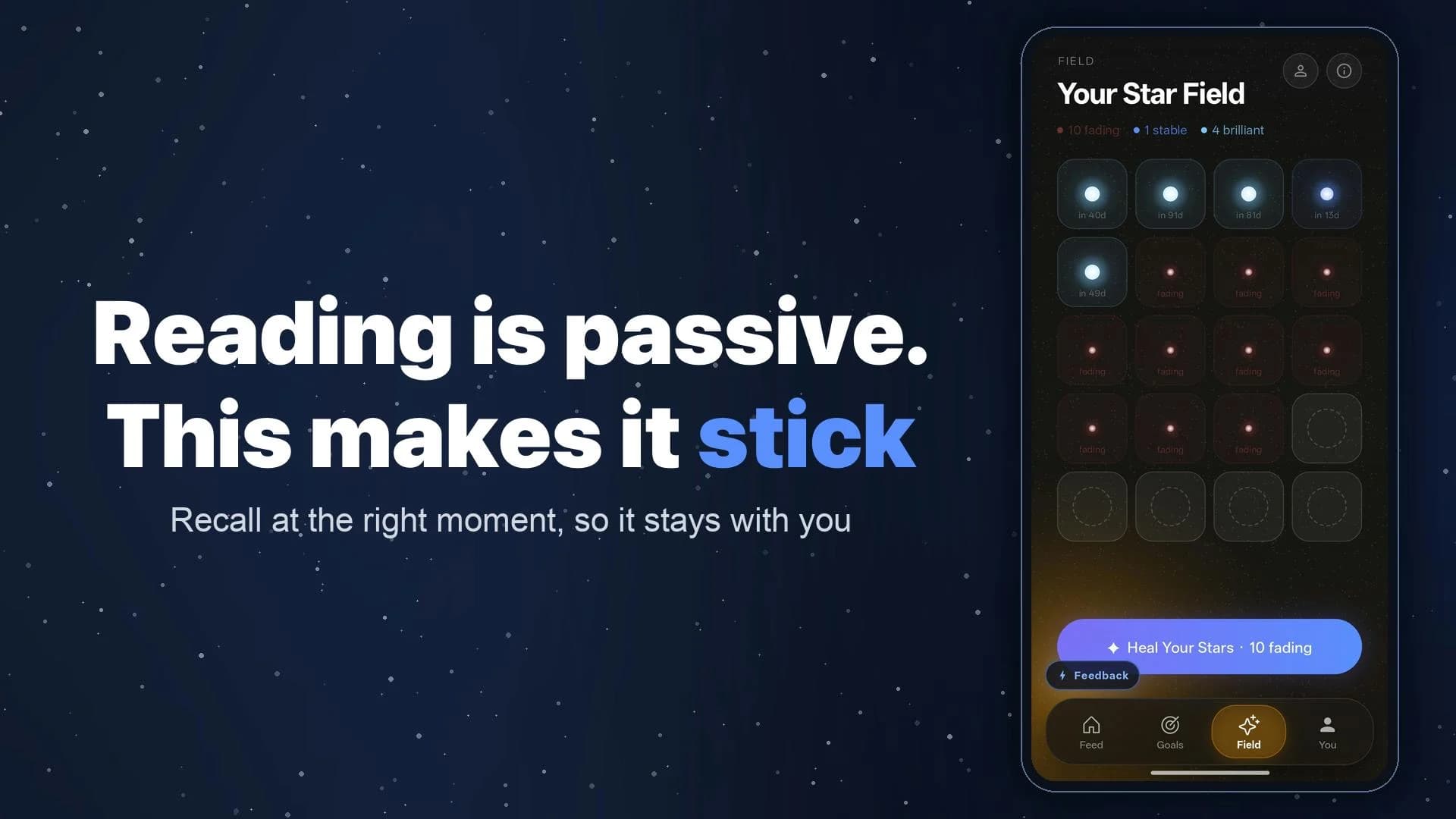
Many people save long articles, videos, and PDFs, then keep scrolling short-form feeds during the few minutes they have while waiting. BrainFeed accepts a learning goal or existing material, uses AI to split it into swipeable cards, and brings user-selected cards back through its “Star Field” review flow.
Who may find it useful
iPhone or iPad users who read English and want to test one overdue article, YouTube video, or PDF as learning cards. It is not for treating an AI summary as the source without checking it.
Current availability
A public product page is available. Check it for features, regions, devices, and account requirements.
02 / BEFORE YOU USE IT
Know these limits before you start
English only; requires iOS/iPadOS 15+. App Store’s “Data Not Collected” label conflicts with a policy listing account, usage and device data plus Anthropic, OpenAI, and Google processing. Clarify handling before importing private material.
Compared with other options
Compared with a read-later app, it goes beyond saving links by creating short cards and reviewing only what the user selects. Compared with manually authored flashcards, it reduces preparation but gives AI and cloud services more responsibility for accuracy and content handling. A read-later app is simpler if you only want the original; precise professional learning still calls for checking and editing the cards yourself.
03 / PRODUCT VIEWS
See what the product looks like today
04 / SOURCES & DATE
Where to go if you want to learn more
- Maker / author
- Arnav Lohiya, Aasrith Mareddy / BrainFeed team
- Country / region
- Not stated
- First added
- 2026-07-26
- Last checked
- 2026-07-26
We reviewed public pages and original material but have not completed the full workflow ourselves.
Why we show sources and unknownsWant to check it yourself?
Try the product yourself, or open the original material to check the details.
ONE-TAP FEEDBACK
Did this page help you decide whether the product fits?
One tap. No writing required.