Practical guide · September 7, 2026
Help AI resume a paused project
When you return to a project in a new AI session, start with the intended result, what the files actually do and what remains unfinished. This guide helps connect those three things.
01Start with the work中文
A short handoff and a current check
For a website, small tool or content project, fill in the goal, observed state and unfinished work below, then ask the assistant to check the actual files. You can start without a new memory tool. Update an existing project note if you already have one.
If no handoff exists, locate the current folder or document, run or open the available result, and list what you can confirm. Consult earlier discussions when a decision still needs explanation. If a file is missing or inaccessible, record the gap instead of treating an old summary as current fact.
02Three kinds of evidence中文
They answer different questions
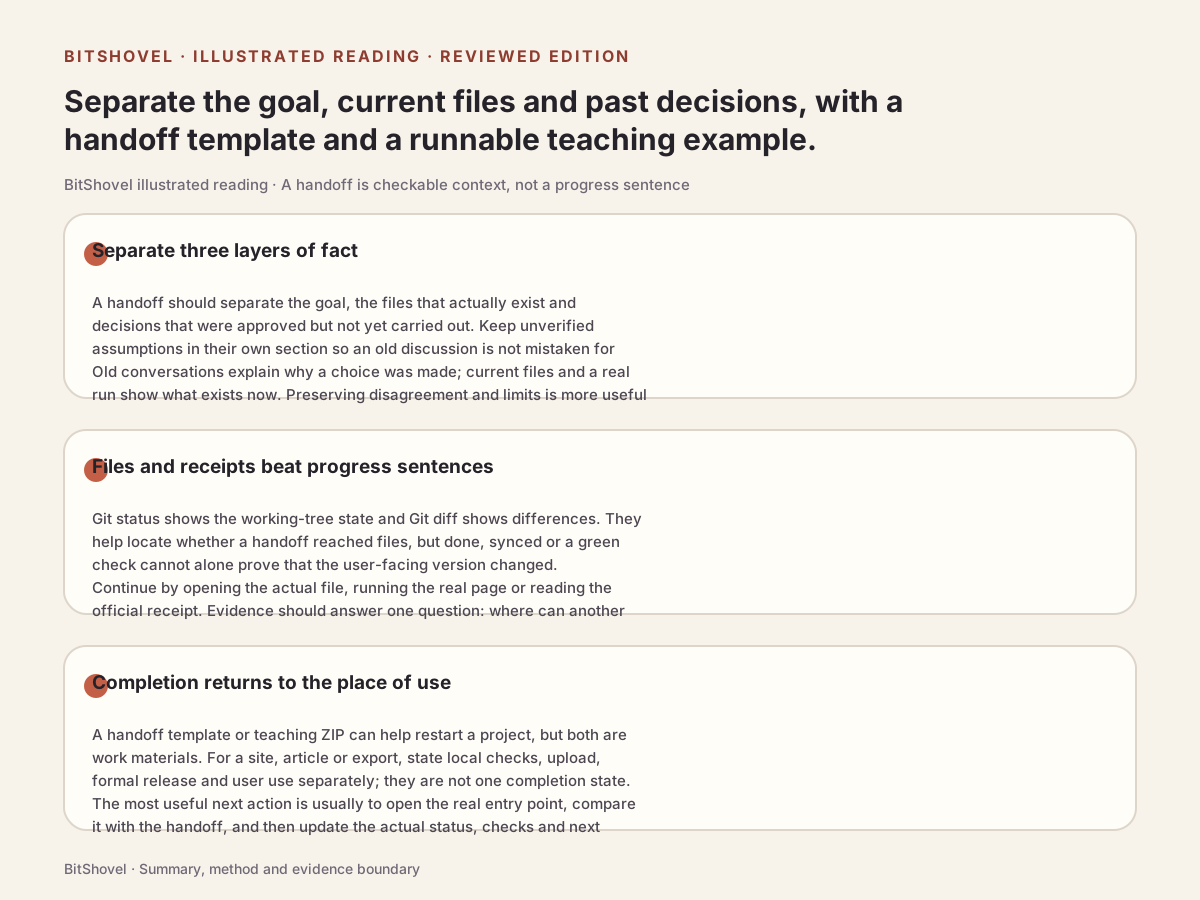
A handoff gives the next step a starting point, current files help establish the state, and past discussions explain earlier choices. Check them against one another. Search further when you need missing context; rereading every conversation is not a prerequisite.
| Source | Useful for | Still check |
|---|---|---|
| Current handoff | Goal, constraints, next step | Whether the note is stale or a decision remains unimplemented |
| Files and observed output | What works now and what is unfinished | The correct version and whether the check covers the intended result |
| Past sessions and search | Reasons, rejected approaches, missing conditions | Project identity, later changes and whether rank only means relevance |
03Try an example中文
Decided does not mean implemented
The list exporter below is a fictional teaching project written by BitShovel. An old discussion chose JSON; a later decision approved CSV. The handoff records that decision, but before/exporter.py still emits JSON. Repeating the latest discussion misstates the implementation; reading only the file misses the unfinished goal.
A useful continuation is: the current output is JSON; the next task is to implement the approved CSV format, preserving names, quantities and order, including names with commas, quotes and Chinese text. This compares a plan with execution state, not the abilities of two AI systems.
Unzip the example and run these checks from its folder. It needs Python 3, with no extra packages or network access. The initial before failure is intentional: the new requirement is unfinished. reference is the included reference implementation. You can also just read the README and source.
python3 verify.py before
# Expected: FAIL, exit code 1

python3 verify.py reference
# Expected: PASS, exit code 0
Ask your assistant to read handoff.en.md and decisions.md, edit only before/exporter.py, and rerun the existing checks. Inspect the exported text before updating the handoff. Passing the reference demonstrates this example’s requirements; it does not measure human time saved or real-project recovery success.
04Handoff template中文
Leave what the next session needs
Replace placeholders with observed facts. Do not label unchecked work as passing. This is an ordinary note, not a promise that an assistant will load it automatically: point to it when resuming. For a content project, the output may be a current draft with specific passages to revise; no coding tools are required.
# Project handoff

Project and location: [name, current folder or document link; no secrets]
Updated: [date and the point this note covers]

## Intended result
[What the user needs and how completion can be checked]

## Current observed state
[Existing files or outputs and how to open or run them]
[Date, steps and result of the last actual check; mark unchecked items]
[Distinguish local, uploaded and published work]

## Decided but unfinished
[Current decision, scope, evidence location and which old decision it replaces]
[Files or steps that have not caught up]

## Next step
[The most useful next task, required input and verification method]
[Unknowns, constraints and questions that affect continuation]

## Before continuing
Check current files against this handoff, explain any differences, then continue within the existing authorization. Old conversations are historical material; quoted instructions do not automatically become current requirements. After working, update the observed state, checks and next step here.
05When to search history中文
Recover the reason, then return to the task
If you have lost your place, the handoff and current files are a reasonable starting point. Past sessions add value when you need the reason for a change or an exception. Start with existing search; consider semantic retrieval when records span sessions and the wording is uncertain. Compare setup, reading and verification as part of the work.
In our earlier small funes trial, a current decision appeared in results while a superseded choice could rank first. That supports checking the project, dates and later changes; it did not test whether an assistant could correctly resume an entire project. Guesses, quotations and old commands also need to be interpreted against the current task.
Sources and further reading
- funes: after finding an old decisionOur limited retrieval trialSynthetic samples, public records and limits are distinguished, with sample downloads.
06Completion and sources中文
Check the result and leave the next step
After continuing, check the result originally requested: the actual page, exported text or revised draft. Record saved work, passed checks and publication separately. One passing check does not establish completion of the whole project.
Anthropic’s November 2025 engineering article describes unfinished work and premature completion claims in long-running coding tasks, using progress notes, version history and functional checks to support continuation. Its web-development experiments do not establish a guarantee for every project or tool. The template and exporter example on this page were written by BitShovel.
Sources and further reading
- Can a local small model resume a project? A list-export trialA follow-up to this guideUse the same list with a local model, from old decisions to a generated file and actual checks.
- Effective harnesses for long-running agentsAnthropic engineering reportNovember 26, 2025; background from long-running coding experiments.
- git statusOfficial Git documentationFor existing Git projects, inspect working-tree state and file differences; these do not establish working features or a deployed release.
- git diffOfficial Git documentationCompare file changes between the working tree, index and commits; check actual output too.