
01 / ANALYSIS
Product analysis
- Maturity
- Commercial
- Confidence
- Partial
- Verified
- 2026-07-19
- Commercial relation
- Not sponsored
Problem solved
Learning apps often bury review behind a destination users must remember to open. Dropling tries to bring questions to the Lock Screen users already see, then closes the loop with notification pacing, a Live Activity, lesson lists, and answer statistics.
Why it was selected
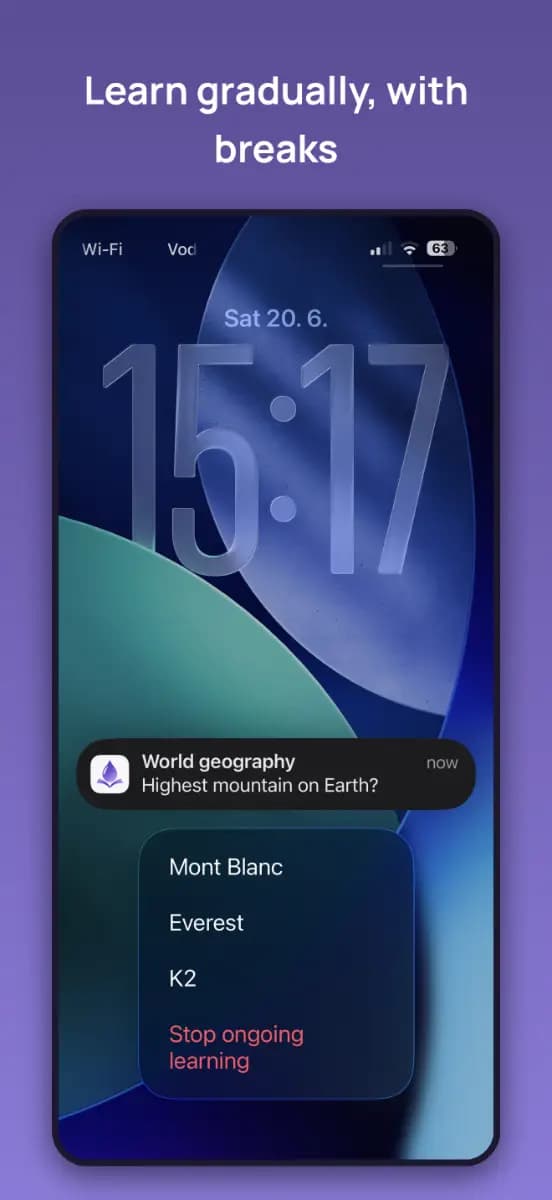
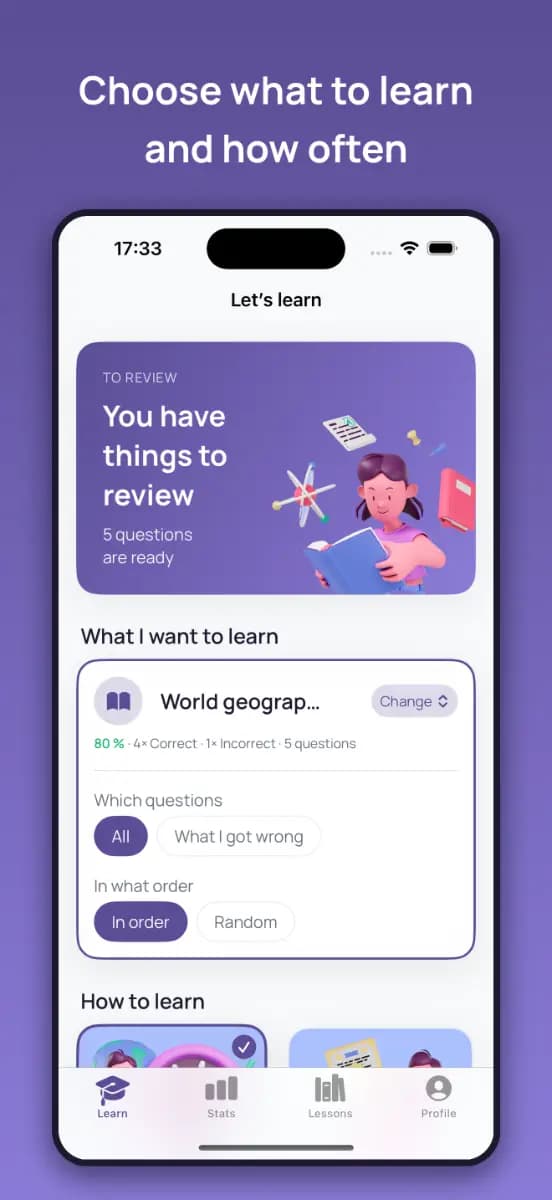
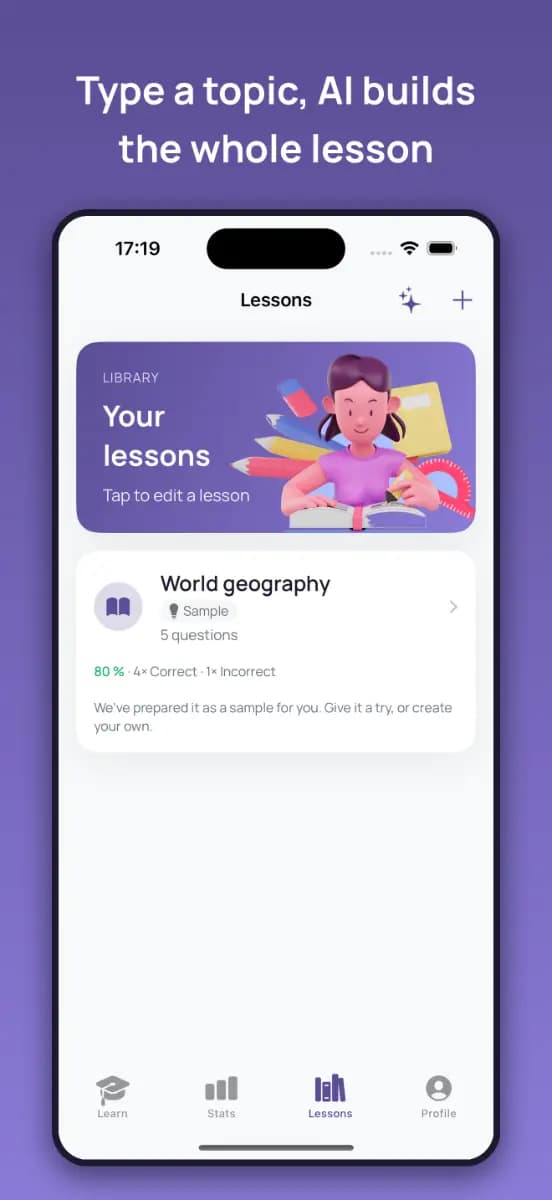
All three selected 552 × 1200 images are current product media uploaded by Dropling's publisher to Uneed. The first shows a Lock Screen notification and answer feedback, the second shows the learning home and review controls, and the third shows the lesson list and AI lesson entry. They are attributable product-UI marketing images—not abstract art or a generated substitute—so the product's central interaction is directly visible. They prove how the maker presents Dropling, not independently tested notification delivery, Live Activity behavior, Watch sync, iCloud, AI generation, or purchasing.
What is genuinely novel
Notification learning, flash cards, AI questions, and Watch review are not individually new. The interesting combination is the explicit split between gradual notifications and an intensive Live Activity, turning the system surface into the lesson player rather than merely a reminder to return to the app.
Best for
People with an iPhone on iOS 17 or later who want to break language or knowledge review into Lock Screen prompts, plus Apple Watch users who want quick review; not for Android users, people requiring certified course material, fully offline AI, or declared accessibility support
Editorial evaluation
KEEP DISCOVERING
A few more products worth noticing
A small set selected by product shape and profile similarity, with independent verification records.
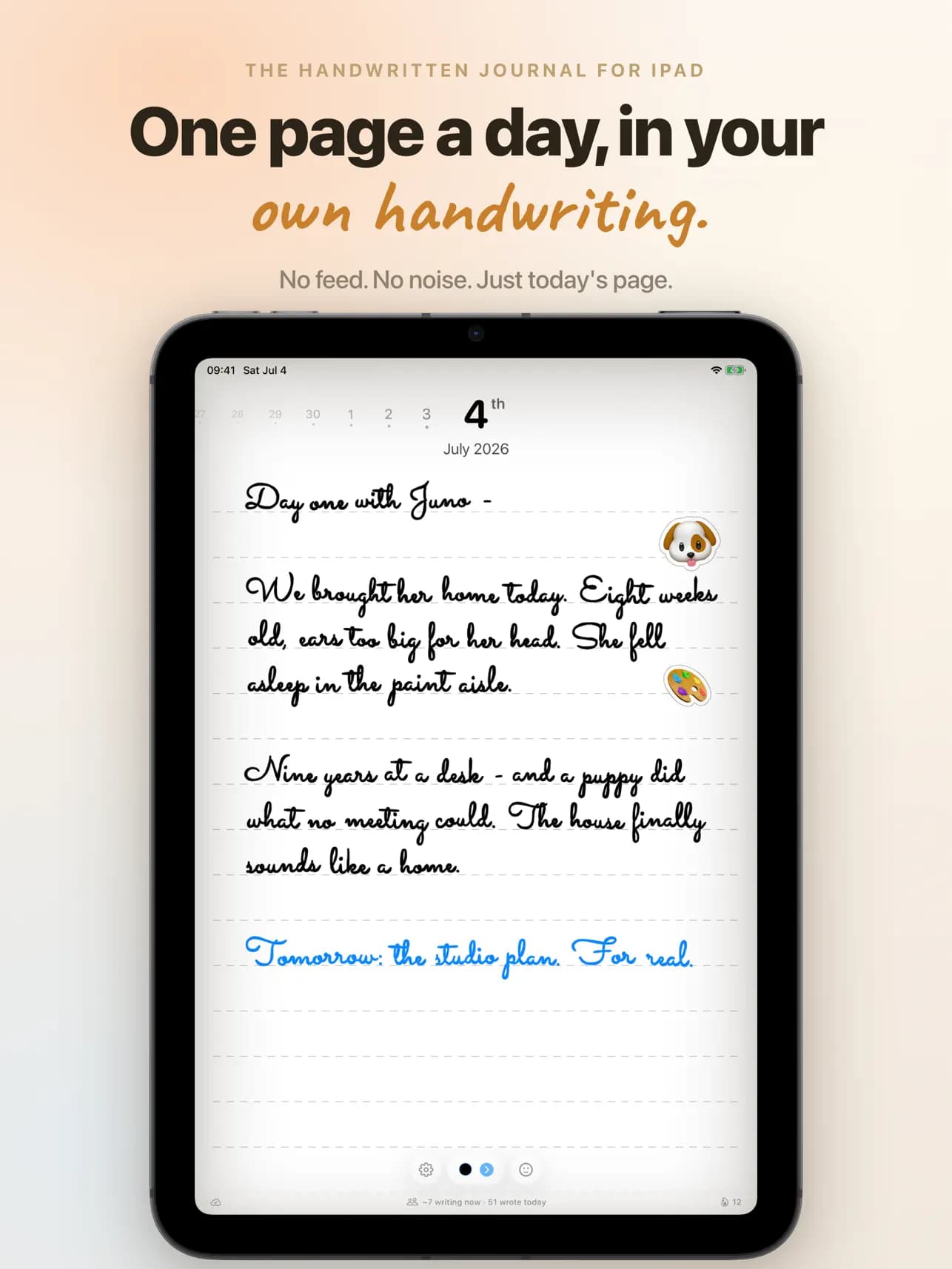
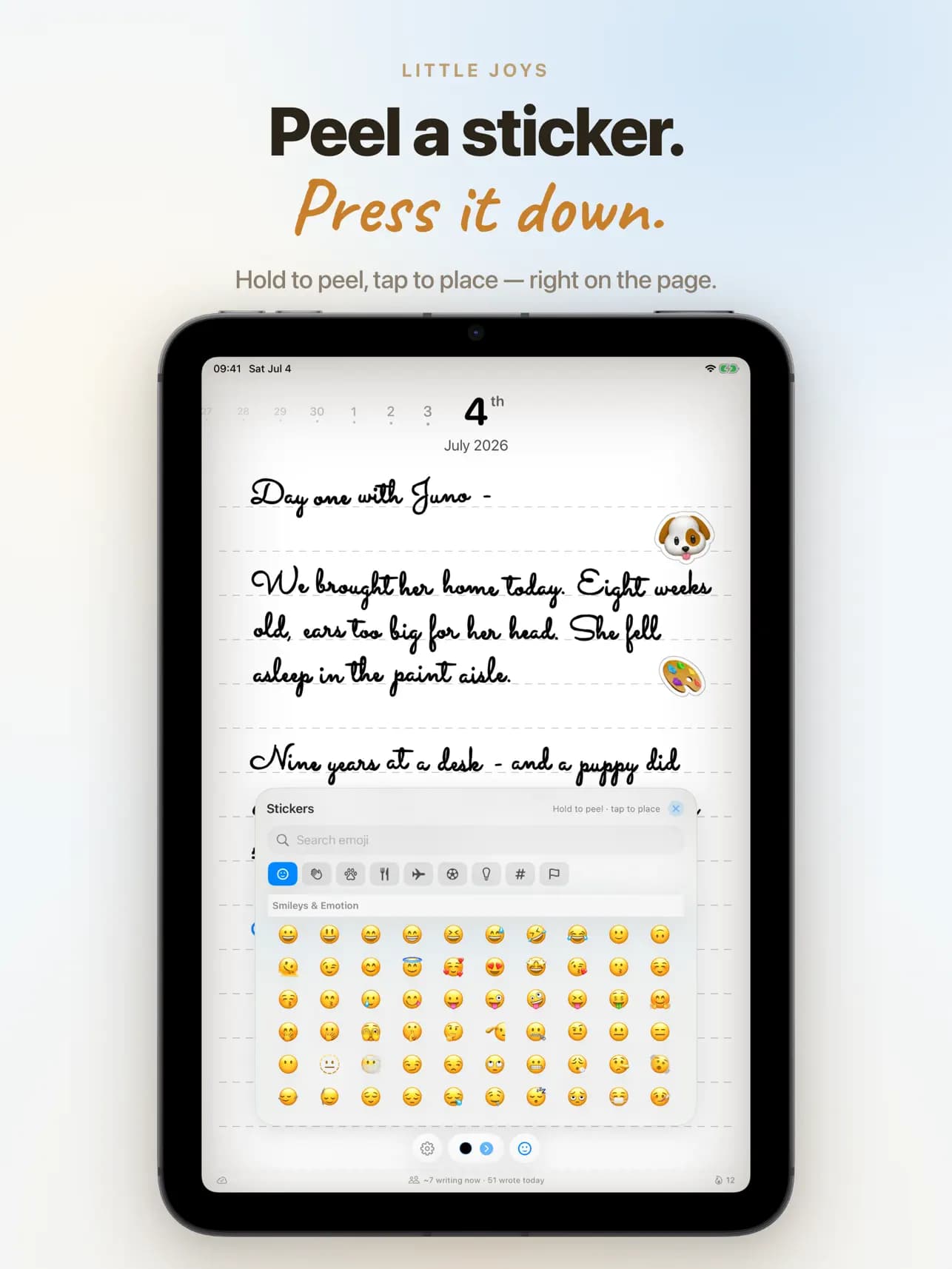
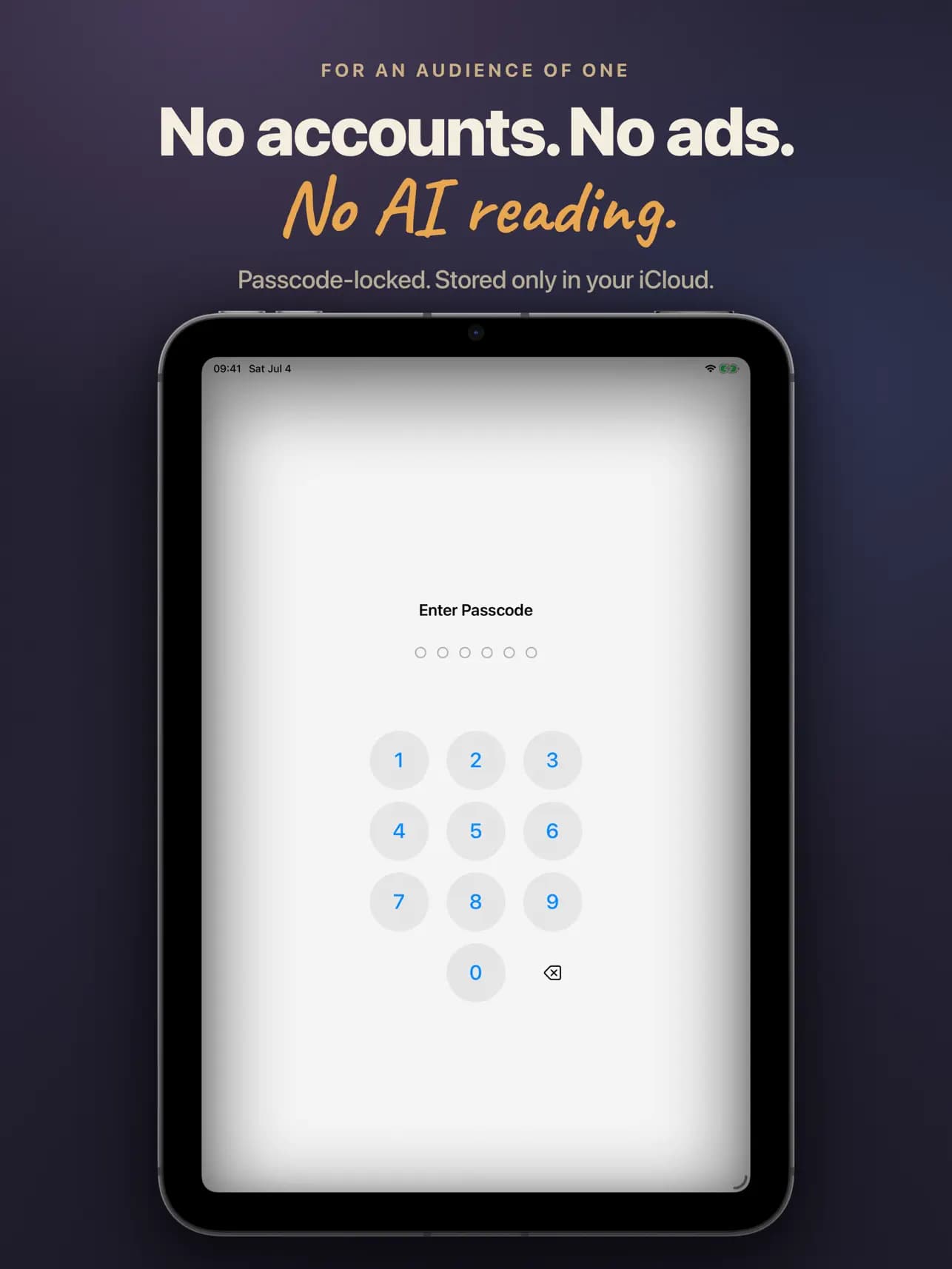
Pennen
Uneed publisher IshaanRawat / independent maker Ishaan Rawat
What it solves
General note and journal apps can turn private reflection into infinite documents, streak maintenance, or AI analysis. Pennen tries to retain the boundedness and physical act of paper journaling while adding private iCloud sync.
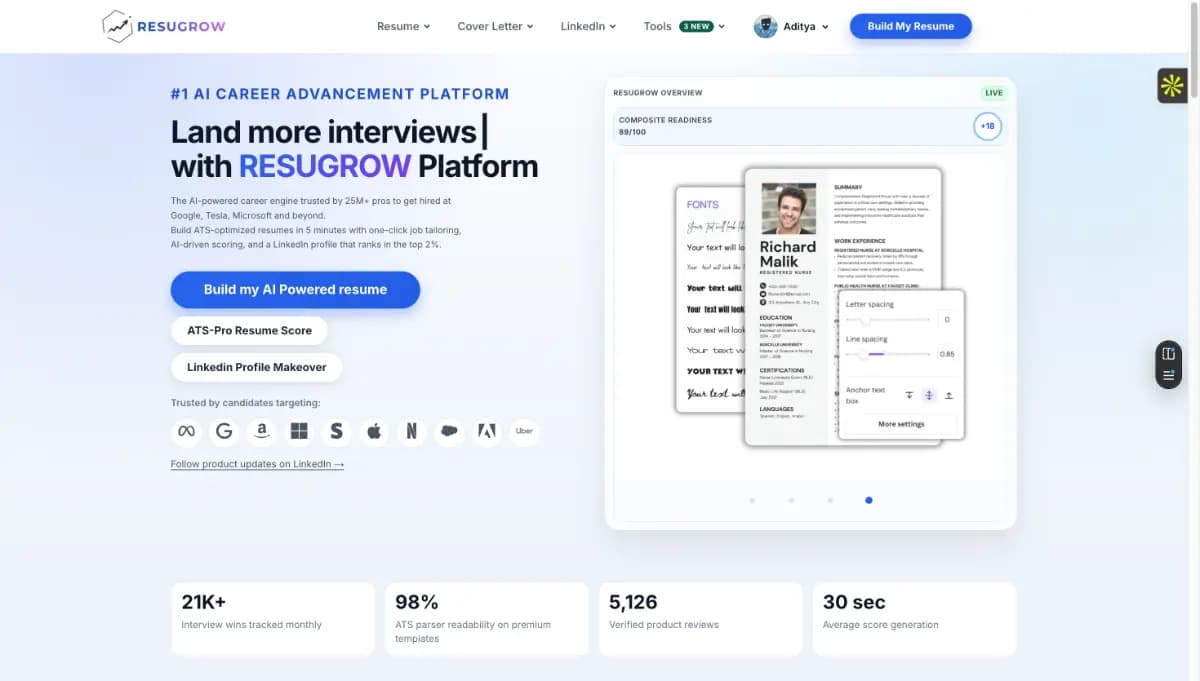
ResuGrow
Uneed publisher resugrow.com-7c11 / the ResuGrow team
What it solves
Job seekers bounce among templates, keywords, ATS readability, job tailoring, LinkedIn, and application tracking without knowing which change affects machine parsing or human review. General chat models can also turn stronger wording into invented facts.
MenuGen
Andrej Karpathy
What it solves
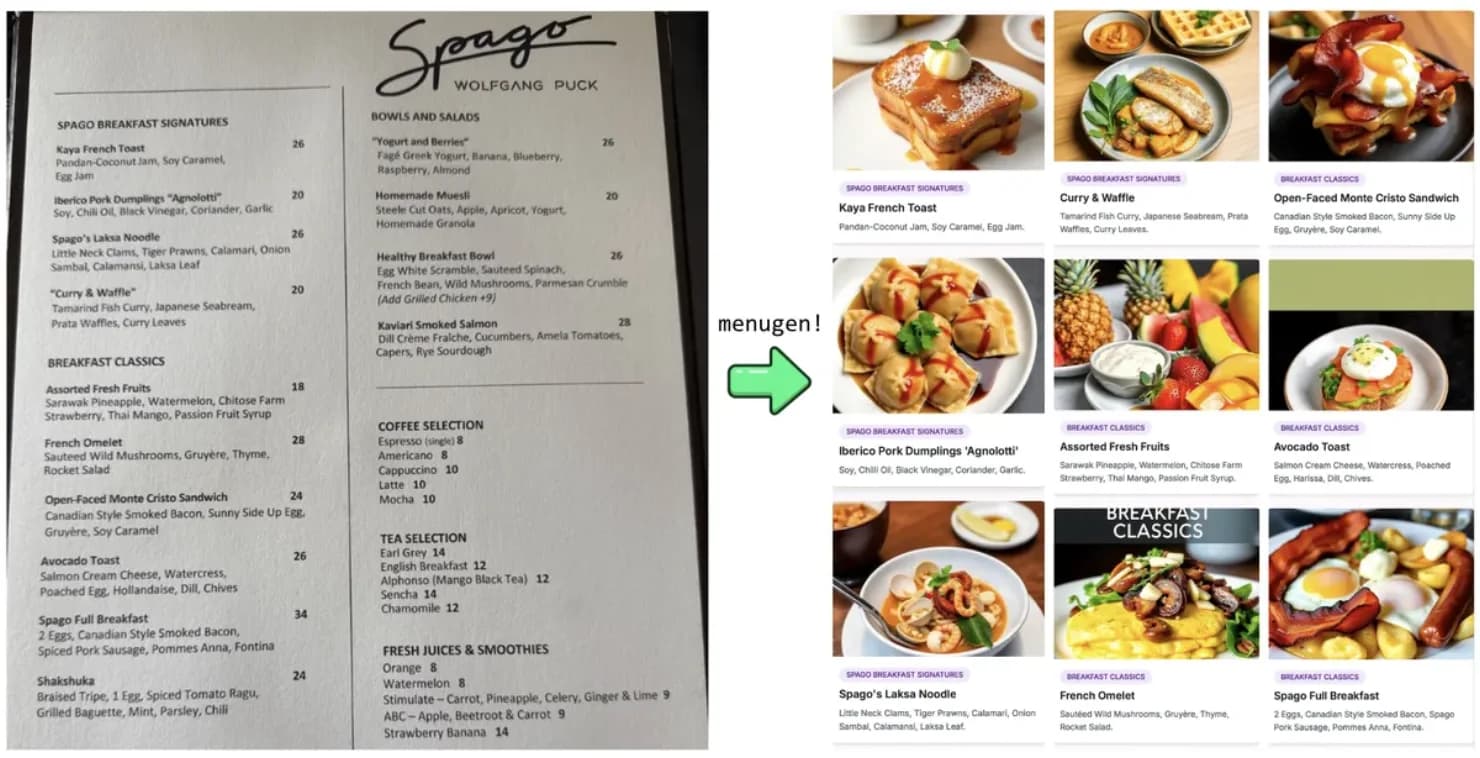
Restaurant menus often leave diners without a visual reference for unfamiliar dishes. MenuGen uses a menu photo to generate comparable dish references, addressing the concrete step of understanding what to order.
02 / WHAT STANDS OUT
Three product decisions worth noticing
Turn a system surface into the smallest viable product
A notification carries the question instead of merely saying 'come back to learn,' while a Live Activity supports a run of questions. Giving each system surface only what one learning action needs reduces re-entry cost.
Draw separate maps for personal and generation data
'Progress stays in iCloud' cannot stand in for explaining AI requests. List fields, purpose, region, retention, and deletion separately for the device, private cloud, operator server, and model providers.
Give plan entitlements one publishable source
Monthly generation allowances, unlimited lessons, price, and period should come from one versioned plan manifest that generates site, in-app, store, and privacy copy, preventing conflicting promises on the same day.
Product insight worth carrying forward
Separate scheduling, personal progress, and AI generation into three data planes: keep Lock Screen interaction minimal, retain progress in the user's private cloud, and disclose processors, quotas, and retention for generation separately. Give every AI-created question a human review path.
03 / DO NOT COPY
What not to copy
04 / LIMITS & RISKS
Limits and risks
Four boundaries matter. First, AI lessons are not authoritative: the terms describe an automatic accuracy check but warn that factual errors can remain, and neither learning efficacy nor spaced-practice outcomes were independently tested here. Second, personal lessons, questions, answer history, and progress are said to remain on-device or in private iCloud CloudKit, but lesson generation sends topic and language to EU-hosted ai.dropling.app and onward to US-based OpenRouter and Google Gemini. The operator says it stores neither the topic/language nor a personal device identifier, but does not publish the downstream processors' specific retention or training settings. DeviceCheck/App Attest technical identifiers, anonymous counters, subscription transaction identifiers, and monthly usage counters are processed server-side; the policy says anonymous technical identifiers and counters may remain for the service's lifetime. Because they cannot be tied back to a person, deletion and data-subject rights are limited in practice. Third, the site says no account or sign-in, while the privacy policy describes optional Sign in with Apple. The site also says Dropling+ provides more AI generations per month, and the policy describes a monthly limit and counter, while a current maker image says unlimited AI generation. These may describe different versions or plans, but the public materials do not identify the allowance or effective version. Fourth, Apple's privacy label is developer-declared and unverified by Apple; it lists purchase history, device ID, and diagnostics not linked to identity. The developer has not declared accessibility support, and automatic Mac or Vision compatibility in the store is not optimized platform support.
Compared with alternatives
Compared with flash-card tools such as Anki or Quizlet that expect users to enter an app, Dropling emphasizes putting one question into a Lock Screen notification or Live Activity rather than richer deck management. Compared with an ordinary reminder, it retains lessons, answer history, and statistics. The tradeoff is dependence on notification permission, iOS/watchOS, and a more complex AI data boundary.
05 / EVIDENCE
Visual evidence
06 / SOURCE
Source and verification
- Original author
- Uneed publisher donaldinos / Duckino s.r.o.
- Country / region
- Czech Republic
- Maturity
- Commercial
- Confidence
- Partial
- Discovered
- 2026-07-19
- Last verified
- 2026-07-19
What this review checked
This was a read-only review of the current Uneed launch and publisher identity, the three selected maker originals, live site, support page, privacy policy, terms, Apple App Store listing and privacy label, and Apple Lookup metadata. The store currently shows version 1.2, updated July 5, 2026, iOS 17.0 and watchOS 10.0 minimums, a 4+ rating, a free download, and Dropling+ in-app purchases. The US listing exposes two identically named Dropling+ items at $7.99 and $59.99 but does not label their periods publicly. We did not install the app, create a lesson, submit a topic, use Apple sign-in, enable iCloud, buy or cancel a subscription, trigger a notification or Live Activity, connect a Watch, inspect network traffic, or verify processor behavior.
Latest change
Initial profile created from the current Uneed launch, publisher identity, three exact 552 × 1200 maker product originals, live site, support page, Apple App Store listing, Lookup metadata, privacy policy, and terms. No installation, sign-in, lesson creation, topic submission, iCloud enablement, purchase, cancellation, notification or Live Activity trigger, Watch connection, or network capture occurred. Exact image provenance, Lock Screen learning, AI accuracy, data flow, anonymous counters, plan language, platform, and accessibility evidence boundaries are recorded.
Ready to explore further?
Open the product, or return to the original source to verify the details.
ONE-TAP FEEDBACK
Did this profile help you judge the product?
One tap. No writing required.