ITHome · Published 2026-09-11
SenseTime Raccoon: continue desktop work from a phone
Raccoon brings office tasks to the phone: hold to speak a request, let the computer continue, then view, share or resume the results away from your desk.
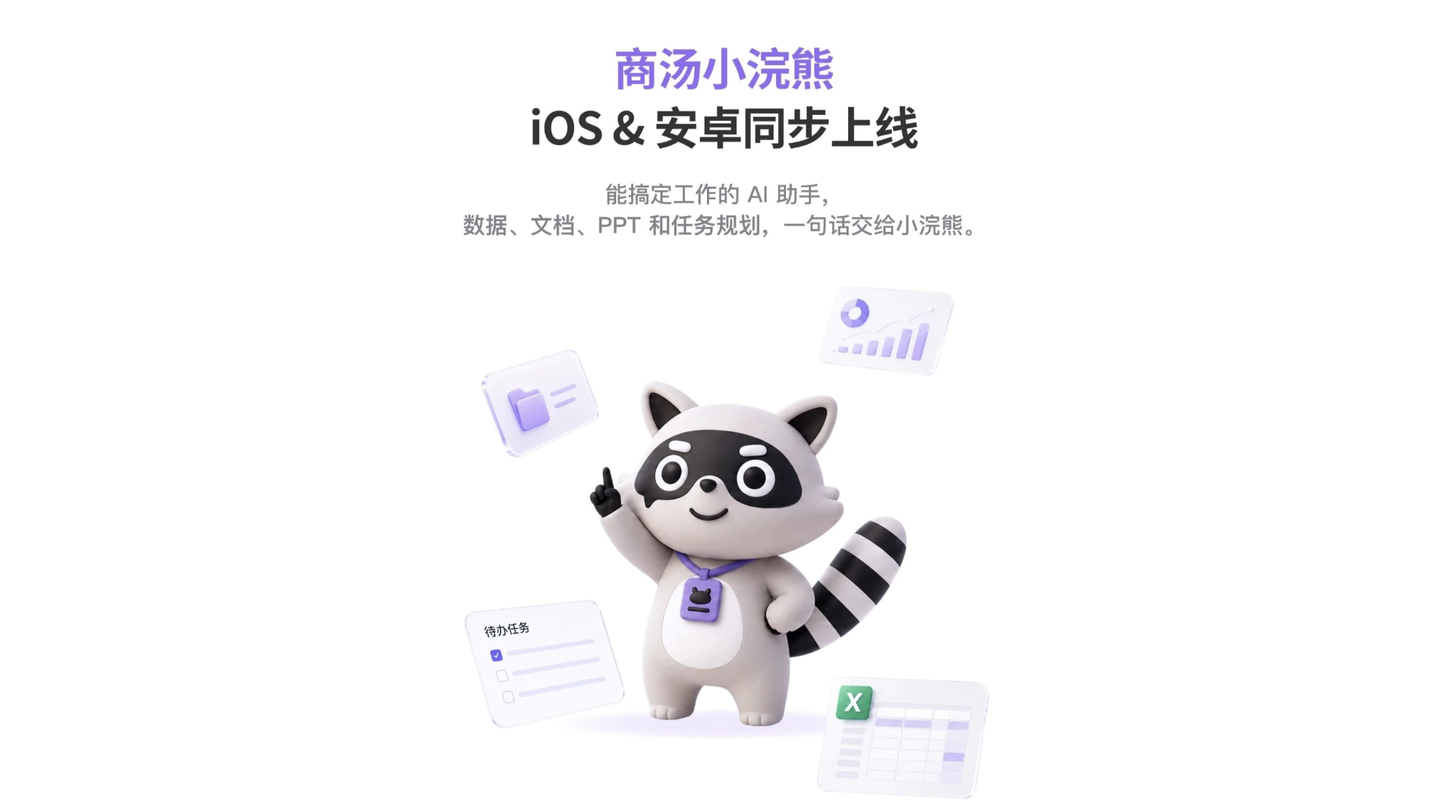
Hold to speak, release to send
ITHome reported on September 11 that Raccoon launched iOS and Android apps. The phone supports natural voice input: hold to describe a request, then release to send it.
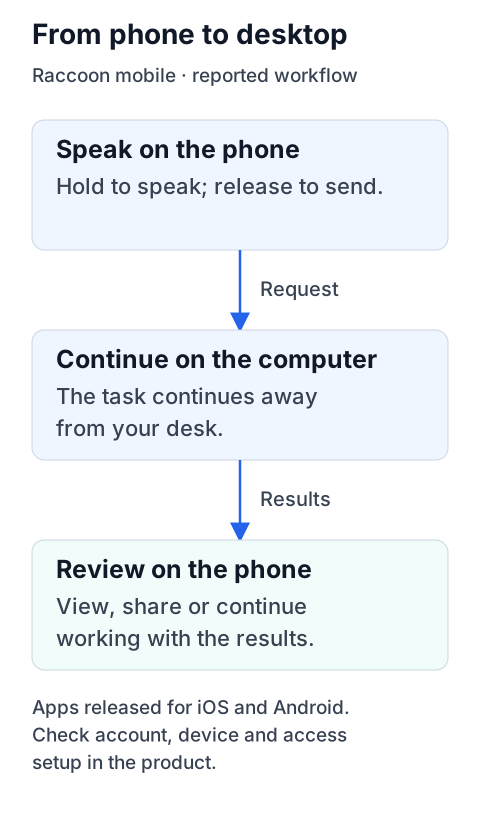
The computer works; the phone keeps you connected
The reported workflow starts on the phone and continues on the computer. Away from the desk, users can view, share and resume the results on their phone.
Start from fragments of information
The report also describes a multimodal creation engine that interprets fragmented material and combines internal and external information. It does not explain account, device-connection or access setup; check these in the product.
Sources and notes
sources中文
Sources and notes
- Read the originalITHome
Retained summary and context
Read claims in the context of the original page. Claims remain attributed to their sources. Collection is not proof of the claims or practical outcomes.
Sources and evidence · 2 links
Each link has a purpose and scope. Link counts do not establish independent confirmation; direct support applies only to the statements specified below.
This page keeps the original link and a short account. Follow the links below for the publisher’s full explanation.
Source timeline
- · Found this reading link via ITHome.
Collection record
First discovered: ; added to the library:
Collection and source publication have distinct dates.